





Scan, Sign & AI Chat
Mobile App
The mobile app pairs with your account via QR code and brings scanner, signature, chat and documents to your phone.
DownloadDatasheetsPDF · EN4 pages
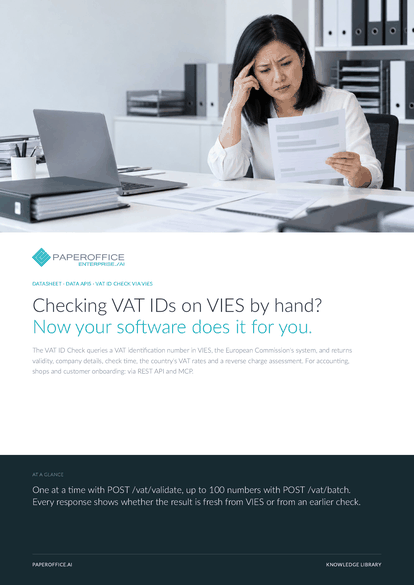
Checking VAT IDs on VIES by hand? Now your software does it for you.
The file is available in English and German; you download the version in the language of this page. Free, no registration.
Trusted by leading companies worldwide








OEM PARTNERSHIP

Sole official DMS partner for QNAP: Classic app, AI BYOS.
More

Sole official DMS partner for ASUSTOR: Classic app, AI BYOS.
MoreIn practice: Business customers in your shop · Review your customer base · Incoming invoices in AI-DMS
Questions and answers
VIES, the VAT Information Exchange System of the European Commission. source names where the result came from, vies_request_date the time of the query.
When the member state discloses them via VIES. For a valid number, company_data_status shows it: disclosed_by_member_state or not_disclosed_by_member_state.
The API tries a fallback source. If an older result is available, it comes with warning and cache_source database_stale, and reverse charge counts as unconfirmed. Otherwise it returns VIES_UNAVAILABLE.
Yes. AI-DMS Ultra reads the sender's VAT ID and checks it via VIES. Invalid or formally wrong numbers appear as a note in the document's audit.
Our experts are happy to help you choose the right solution.
Request consultation

Integrator and Reseller can be combined. Referral by invitation.
View the partner program
AI-DMS
Documents. Intelligence. Real impact.
PaperOffice AI is the AI-DMS. Four functional areas on one DMS foundation, with three ways in.
Features, modules and benefits at a glance.
Capture, organize, search and collaborate on documents.
Plug into your systems and AI workflows.













