





Scan, Sign & AI Chat
Mobile App
The mobile app pairs with your account via QR code and brings scanner, signature, chat and documents to your phone.
DownloadDatasheetsPDF · EN4 pages
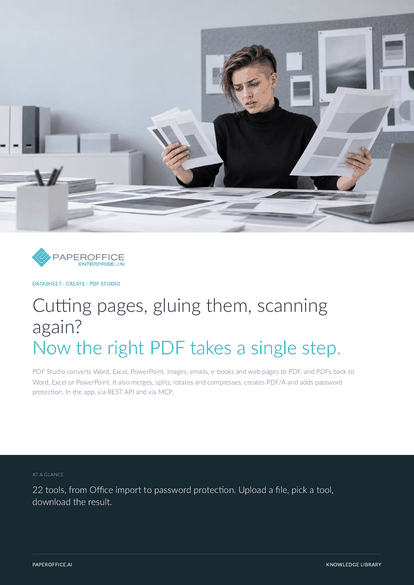
Cutting pages, gluing them, scanning again? Now the right PDF takes a single step. PDF Studio converts Word, Excel, PowerPoint, images, emails, e-books and web pages to PDF, and PDFs back to Word, Excel or PowerPoint.
This datasheet is available in 21 languages; on this page you download the English version. Free, no registration.
Trusted by leading companies worldwide








OEM PARTNERSHIP

Sole official DMS partner for QNAP: Classic app, AI BYOS.
More

Sole official DMS partner for ASUSTOR: Classic app, AI BYOS.
MoreIn practice: A proposal pack in one file · Documents for the archive · Keep working with a PDF table
Questions and answers
PDF, Word, Excel, PowerPoint, OpenDocument, RTF, TXT, CSV, emails (EML, MSG), images (JPG, PNG, TIFF) and e-books, plus a web page by URL. Each file can be up to 100 MB.
Yes. “Merge” takes up to 40 PDFs at once, and Images → PDF turns several images into one PDF.
With “Password protection”, you set a password of at least eight characters. Without it, the file stays locked. “Remove restrictions” lifts print, copy and edit restrictions.
Yes. Each operation is its own job, for example POST /job/add/pdfstudio___merge_pdf, also with the pofid of a stored document. In Claude and Cursor, the tools are available as MCP tools po_pdfstudio_*.
Our experts are happy to help you choose the right solution.
Request consultation

Integrator and Reseller can be combined. Referral by invitation.
View the partner program
AI-DMS
Documents. Intelligence. Real impact.
PaperOffice AI is the AI-DMS. Four functional areas on one DMS foundation, with three ways in.
Features, modules and benefits at a glance.
Capture, organize, search and collaborate on documents.
Plug into your systems and AI workflows.













