





Scan, Sign & AI Chat
Mobile App
The mobile app pairs with your account via QR code and brings scanner, signature, chat and documents to your phone.
DownloadDatasheetsPDF · EN4 pages
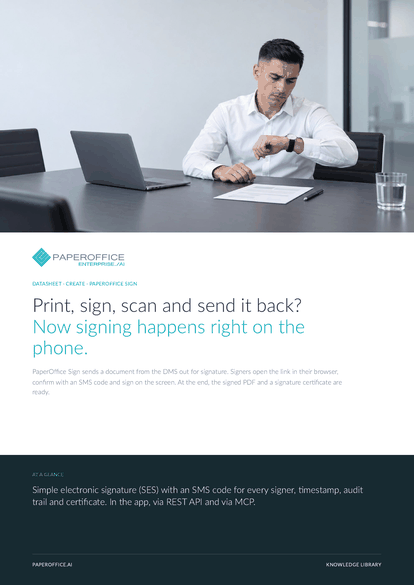
Print, sign, scan and send it back? Now signing happens right on the phone. PaperOffice Sign sends a document from the DMS out for signature.
This datasheet is available in 21 languages; on this page you download the English version. Free, no registration.
Trusted by leading companies worldwide








OEM PARTNERSHIP

Sole official DMS partner for QNAP: Classic app, AI BYOS.
More

Sole official DMS partner for ASUSTOR: Classic app, AI BYOS.
MoreIn practice: Order confirmation from a customer · Agreement between two parties · Signature at an appointment
Questions and answers
The simple electronic signature (SES) under eIDAS. Every signer confirms with an SMS code before signing, and the time and device are recorded in the audit trail.
No. They open the link in their smartphone's browser, enter the SMS code, allow access to their location and sign.
The document's SHA-256, for each signer the name, SMS-confirmed mobile number, time, IP address and device, the audit trail, an RFC 3161 timestamp and a QR code for verification.
Via REST API with verify_document: PaperOffice compares the file's SHA-256 with the versions it issued. With the QR code in the certificate, anyone can check validity on the public verification page.
Our experts are happy to help you choose the right solution.
Request consultation

Integrator and Reseller can be combined. Referral by invitation.
View the partner program
AI-DMS
Documents. Intelligence. Real impact.
PaperOffice AI is the AI-DMS. Four functional areas on one DMS foundation, with three ways in.
Features, modules and benefits at a glance.
Capture, organize, search and collaborate on documents.
Plug into your systems and AI workflows.













