





Scan, Sign & AI Chat
Mobile App
The mobile app pairs with your account via QR code and brings scanner, signature, chat and documents to your phone.
DownloadDatasheetsPDF · EN4 pages
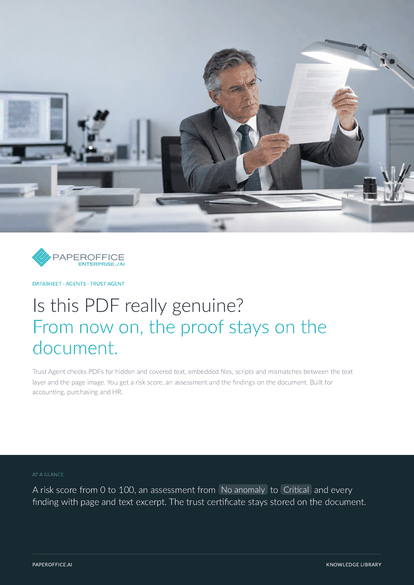
Is this PDF really genuine? From now on, the proof stays on the document. Trust Agent checks PDFs for hidden and covered text, embedded files, scripts and mismatches between the text layer and the page image.
This datasheet is available in 21 languages; on this page you download the English version. Free, no registration.
Trusted by leading companies worldwide








OEM PARTNERSHIP

Sole official DMS partner for QNAP: Classic app, AI BYOS.
More

Sole official DMS partner for ASUSTOR: Classic app, AI BYOS.
MoreBuilt for accounting, purchasing and HR.
Questions and answers
A finding is a pointer for your review. Saving a file several times, for example, is often harmless and adds little to the risk score. The assessment ranges from “No anomaly” to “Critical”; a person makes the decision.
Basic checks the PDF structure and returns a risk score and a recommendation. Premium compares text layer and page image, uses the profile checks and marks findings. Ultra adds the AI visual check and an audit report as a PDF.
On the document: “Actions › Agents & workflows › Trust” and “View certificate” opens the stored trust certificate. In the document list, the assessment and score appear right on the document.
Yes, with AI-DMS Ultra: after the audit, the integrity check runs at Ultra depth, with the profile following the detected document type. For single documents or batches, you run a Trust Agent.
Our experts are happy to help you choose the right solution.
Request consultation

Integrator and Reseller can be combined. Referral by invitation.
View the partner program
AI-DMS
Documents. Intelligence. Real impact.
PaperOffice AI is the AI-DMS. Four functional areas on one DMS foundation, with three ways in.
Features, modules and benefits at a glance.
Capture, organize, search and collaborate on documents.
Plug into your systems and AI workflows.
No installation, ready in seconds.
Search all tools














