





Scan, Sign & AI Chat
Mobile App
The mobile app pairs with your account via QR code and brings scanner, signature, chat and documents to your phone.
DownloadDatasheetsPDF · EN4 pages
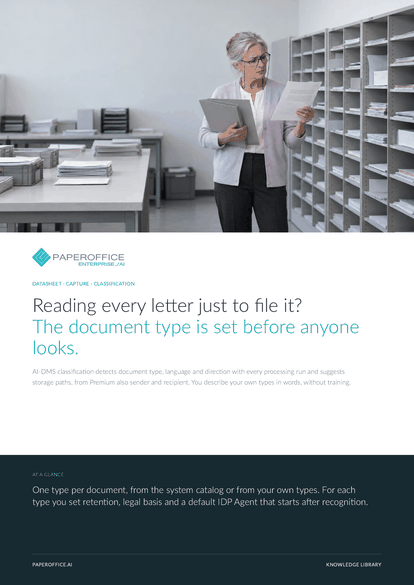
Reading every letter just to file it? The document type is set before anyone looks.
This datasheet is available in 21 languages; on this page you download the English version. Free, no registration.
Trusted by leading companies worldwide








OEM PARTNERSHIP

Sole official DMS partner for QNAP: Classic app, AI BYOS.
More

Sole official DMS partner for ASUSTOR: Classic app, AI BYOS.
MoreIn practice: Receipts at a tax firm · A custom type for service reports · Invoices into approval
Questions and answers
No. System types are recognized from the first document. For a custom type you enter a name and a short instruction for the AI in English, with no sample documents needed.
From Basic: language and region, direction, summary, keywords, dates, a name suggestion and storage paths. Premium adds sender, recipient and amounts, and classification also evaluates visual traits.
You change the type on the document's Properties tab or over MCP. If you lock the document as tamper-proof later, the period and legal basis of the new type apply.
You set a default IDP Agent on the type. When AI-DMS recognizes that type, PaperOffice queues the agent automatically, in addition to the workspace pipeline; duplicate agents are merged.
Our experts are happy to help you choose the right solution.
Request consultation

Integrator and Reseller can be combined. Referral by invitation.
View the partner program
AI-DMS
Documents. Intelligence. Real impact.
PaperOffice AI is the AI-DMS. Four functional areas on one DMS foundation, with three ways in.
Features, modules and benefits at a glance.
Capture, organize, search and collaborate on documents.
Plug into your systems and AI workflows.













