





Scan, Sign & AI Chat
Mobile App
The mobile app pairs with your account via QR code and brings scanner, signature, chat and documents to your phone.
DownloadDatasheetsPDF · EN4 pages
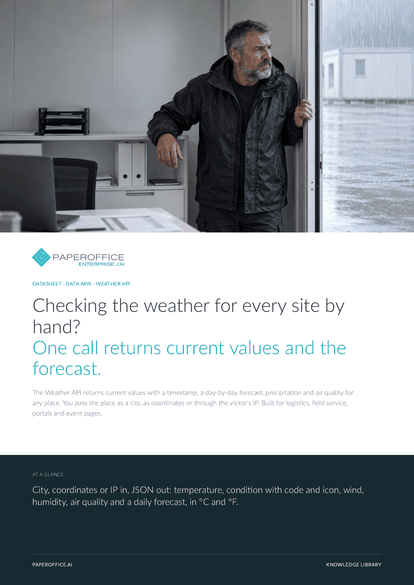
Checking the weather for every site by hand? One call returns current values and the forecast. The Weather API returns current values with a timestamp, a day-by-day forecast, precipitation and air quality for any place.
The file is available in English and German; you download the version in the language of this page. Free, no registration.
Trusted by leading companies worldwide








OEM PARTNERSHIP

Sole official DMS partner for QNAP: Classic app, AI BYOS.
More

Sole official DMS partner for ASUSTOR: Classic app, AI BYOS.
MoreBuilt for logistics, field service, portals and event pages.
Questions and answers
As a city with city, optionally with country, or as coordinates with lat and lon. For a visitor's location, use /ip2location/weather, optionally with a specific IP.
The current block states in last_updated when the values were recorded, and location.localtime gives the local time. You can show both in your interface.
Yes, through the MCP endpoint /mcp-full with the tools po_weather_by_city, po_weather_by_coordinates, po_weather_by_ip and po_weather_icons.
By usage. Current prices are on the pricing page, and you can see your usage under “API & Developer › API Usage”.
Our experts are happy to help you choose the right solution.
Request consultation

Integrator and Reseller can be combined. Referral by invitation.
View the partner program
AI-DMS
Documents. Intelligence. Real impact.
PaperOffice AI is the AI-DMS. Four functional areas on one DMS foundation, with three ways in.
Features, modules and benefits at a glance.
Capture, organize, search and collaborate on documents.
Plug into your systems and AI workflows.
No installation, ready in seconds.
Search all tools














