





Scan, Sign & AI Chat
Mobile App
The mobile app pairs with your account via QR code and brings scanner, signature, chat and documents to your phone.
DownloadDatasheetsPDF · EN4 pages
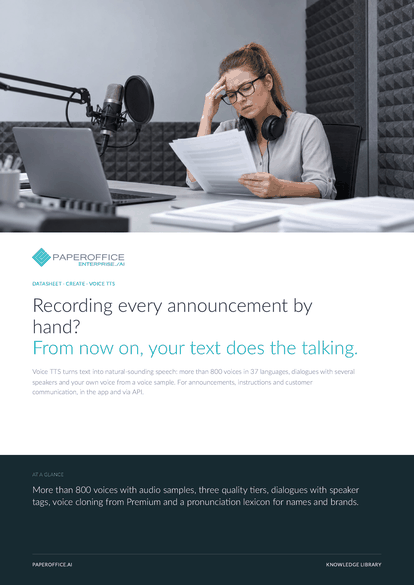
Recording every announcement by hand? From now on, your text does the talking. Voice TTS turns text into natural-sounding speech: more than 800 voices in 37 languages, dialogues with several speakers and your own voice from a voice sample.
This datasheet is available in 21 languages; on this page you download the English version. Free, no registration.
Trusted by leading companies worldwide








OEM PARTNERSHIP

Sole official DMS partner for QNAP: Classic app, AI BYOS.
More

Sole official DMS partner for ASUSTOR: Classic app, AI BYOS.
MoreFor announcements, instructions and customer communication, in the app and via API.
Questions and answers
More than 800 voices in 37 languages, with two variants each for Spanish and Portuguese. GET /voice/voices returns the list with name, gender and audio sample.
Yes, from the Premium tier. Upload a voice sample of at least 10 seconds; 15 to 30 are recommended. The studio detects the spoken text of the sample, and you can correct it.
Each section starts with a tag for language and voice, e.g. [en|Sarah]. Via API you send the text with voice=Multi, and every section then needs a tag.
By usage, depending on the quality tier. Current prices are on the pricing page.
Our experts are happy to help you choose the right solution.
Request consultation

Integrator and Reseller can be combined. Referral by invitation.
View the partner program
AI-DMS
Documents. Intelligence. Real impact.
PaperOffice AI is the AI-DMS. Four functional areas on one DMS foundation, with three ways in.
Features, modules and benefits at a glance.
Capture, organize, search and collaborate on documents.
Plug into your systems and AI workflows.
No installation, ready in seconds.
Search all tools














