





Scan, Sign & AI Chat
Mobile App
The mobile app pairs with your account via QR code and brings scanner, signature, chat and documents to your phone.
DownloadDatasheetsPDF · EN4 pages
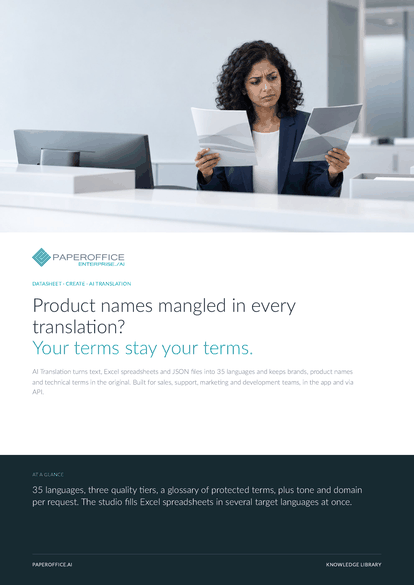
Product names mangled in every translation? Your terms stay your terms. AI Translation turns text, Excel spreadsheets and JSON files into 35 languages and keeps brands, product names and technical terms in the original.
This datasheet is available in 21 languages; on this page you download the English version. Free, no registration.
Trusted by leading companies worldwide








OEM PARTNERSHIP

Sole official DMS partner for QNAP: Classic app, AI BYOS.
More

Sole official DMS partner for ASUSTOR: Classic app, AI BYOS.
MoreBuilt for sales, support, marketing and development teams, in the app and via API.
Questions and answers
35 languages, each as source and target, from German, English and French to Arabic, Chinese, Japanese and Korean. GET /translate/languages returns the list with codes.
Yes. Terms in the glossary stay in the original. Via API you pass them as preserve_terms, up to 150 per call.
Up to 15,000 characters per request. For larger volumes, translate a spreadsheet in Excel mode, which fills every selected target column in one batch.
By usage, depending on the quality tier. Current prices are on the pricing page.
Our experts are happy to help you choose the right solution.
Request consultation

Integrator and Reseller can be combined. Referral by invitation.
View the partner program
AI-DMS
Documents. Intelligence. Real impact.
PaperOffice AI is the AI-DMS. Four functional areas on one DMS foundation, with three ways in.
Features, modules and benefits at a glance.
Capture, organize, search and collaborate on documents.
Plug into your systems and AI workflows.
No installation, ready in seconds.
Search all tools














