





Scan, Sign & AI Chat
Mobile App
The mobile app pairs with your account via QR code and brings scanner, signature, chat and documents to your phone.
DownloadDatasheetsPDF · EN4 pages
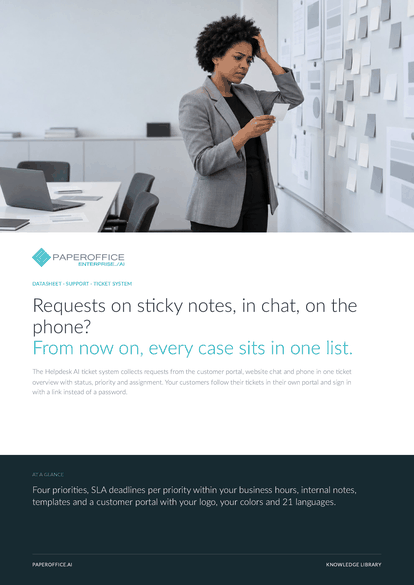
Requests on sticky notes, in chat, on the phone? From now on, every case sits in one list.
This datasheet is available in 21 languages; on this page you download the English version. Free, no registration.
Trusted by leading companies worldwide








OEM PARTNERSHIP

Sole official DMS partner for QNAP: Classic app, AI BYOS.
More

Sole official DMS partner for ASUSTOR: Classic app, AI BYOS.
MoreIn practice: A complaint through the portal · A request on the phone · An urgent case with a deadline
Questions and answers
Through your customer portal, with sign-in or via the public form, from the website chat via “Send request” and from the phone via the Conversation Agent.
With their email address: instead of a password, they receive a sign-in link by email. The button in every reply email also signs them in directly.
Their own tickets with status, your team's replies, attachments and notifications. Internal notes stay invisible to them.
When you have enabled SLA deadlines and the response or resolution time for its priority has run out within your business hours. From the warning threshold, it counts as close.
Our experts are happy to help you choose the right solution.
Request consultation

Integrator and Reseller can be combined. Referral by invitation.
View the partner program
AI-DMS
Documents. Intelligence. Real impact.
PaperOffice AI is the AI-DMS. Four functional areas on one DMS foundation, with three ways in.
Features, modules and benefits at a glance.
Capture, organize, search and collaborate on documents.
Plug into your systems and AI workflows.
No installation, ready in seconds.
Search all tools














