





Scan, Sign & AI Chat
Mobile App
The mobile app pairs with your account via QR code and brings scanner, signature, chat and documents to your phone.
DownloadDatasheetsPDF · EN4 pages
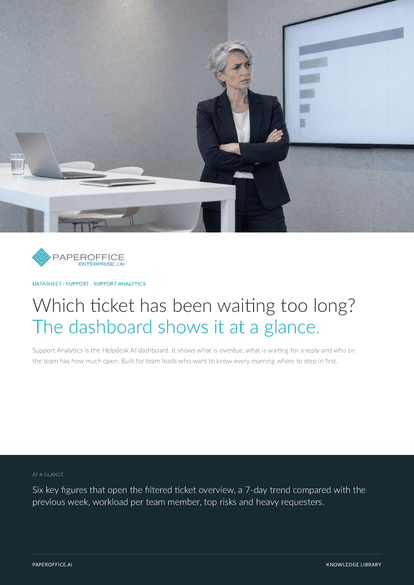
Which ticket has been waiting too long? The dashboard shows it at a glance. Support Analytics is the Helpdesk AI dashboard.
This datasheet is available in 21 languages; on this page you download the English version. Free, no registration.
Trusted by leading companies worldwide








OEM PARTNERSHIP

Sole official DMS partner for QNAP: Classic app, AI BYOS.
More

Sole official DMS partner for ASUSTOR: Classic app, AI BYOS.
MoreBuilt for team leads who want to know every morning where to step in first.
Questions and answers
Overdue, Awaiting response, Unassigned, Urgent, Long running and Pipeline (New/Review), plus the 7-day trend, queue, agent workload, status overview, top risks and heavy requesters.
When it is open and has not been updated for at least 48 hours. You can also set your own SLA deadlines per priority in the helpdesk settings, and the ticket overview flags them.
Yes, as the number of open tickets per team member, for up to 8 people with the most tickets, plus the share of unassigned tickets.
From the tickets in your helpdesk, whether they came from the customer portal, the website chat or the phone. Nothing is entered by hand.
Our experts are happy to help you choose the right solution.
Request consultation

Integrator and Reseller can be combined. Referral by invitation.
View the partner program
AI-DMS
Documents. Intelligence. Real impact.
PaperOffice AI is the AI-DMS. Four functional areas on one DMS foundation, with three ways in.
Features, modules and benefits at a glance.
Capture, organize, search and collaborate on documents.
Plug into your systems and AI workflows.
No installation, ready in seconds.
Search all tools














