





Scan, Sign & AI Chat
Mobile App
The mobile app pairs with your account via QR code and brings scanner, signature, chat and documents to your phone.
DownloadDatasheetsPDF · EN4 pages
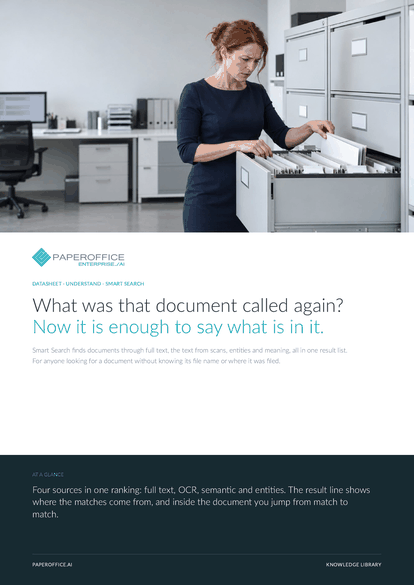
What was that document called again? Now it is enough to say what is in it. Smart Search finds documents through full text, the text from scans, entities and meaning, all in one result list.
This datasheet is available in 21 languages; on this page you download the English version. Free, no registration.
Trusted by leading companies worldwide








OEM PARTNERSHIP

Sole official DMS partner for QNAP: Classic app, AI BYOS.
More

Sole official DMS partner for ASUSTOR: Classic app, AI BYOS.
MoreFor anyone looking for a document without knowing its file name or where it was filed.
Questions and answers
For a question and from three words on, semantic search via embeddings joins in. A single word or a number is found quickly through full text, OCR and entities.
Yes. The OCR text from processing is part of the index. Scans and photos are found like digital documents, and the match is highlighted in the document.
Everyone sees matches from the workspaces they have access to. That applies in the app, via the API and over MCP.
Via the REST API and the MCP tool po_search_advanced: hybrid, semantic, full text or exact for the value of a metadata field such as an invoice number, plus a relevance threshold.
Our experts are happy to help you choose the right solution.
Request consultation

Integrator and Reseller can be combined. Referral by invitation.
View the partner program
AI-DMS
Documents. Intelligence. Real impact.
PaperOffice AI is the AI-DMS. Four functional areas on one DMS foundation, with three ways in.
Features, modules and benefits at a glance.
Capture, organize, search and collaborate on documents.
Plug into your systems and AI workflows.
No installation, ready in seconds.
Search all tools














