





Scan, Sign & AI Chat
Mobile App
The mobile app pairs with your account via QR code and brings scanner, signature, chat and documents to your phone.
DownloadDatasheetsPDF · EN4 pages
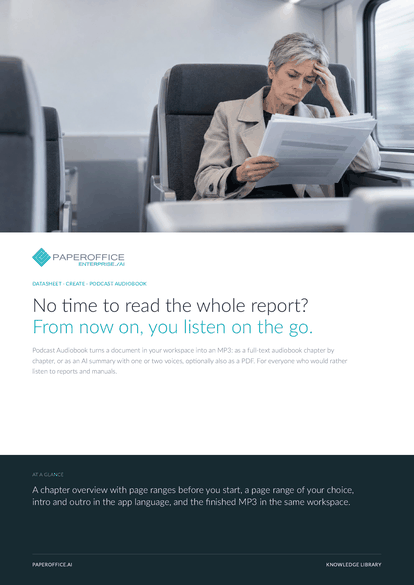
No time to read the whole report? From now on, you listen on the go.
This datasheet is available in 21 languages; on this page you download the English version. Free, no registration.
Trusted by leading companies worldwide








OEM PARTNERSHIP

Sole official DMS partner for QNAP: Classic app, AI BYOS.
More

Sole official DMS partner for ASUSTOR: Classic app, AI BYOS.
MoreFor everyone who would rather listen to reports and manuals.
Questions and answers
Documents with a text layer, such as PDF and Office. Scanned PDFs work once text recognition has run. Clear chapter headings produce the cleanest chapters.
PaperOffice reads the first line of each page, such as Chapter, Part or Section with a number. The chapter overview shows the result with page ranges before you start.
The text in the detected document language, intro and outro in the app language. Summaries are available in German, English, French, Spanish, Italian, Dutch, Polish and Portuguese.
By usage: for speech output, and for summaries also for the AI. Current prices are on the pricing page.
Our experts are happy to help you choose the right solution.
Request consultation

Integrator and Reseller can be combined. Referral by invitation.
View the partner program
AI-DMS
Documents. Intelligence. Real impact.
PaperOffice AI is the AI-DMS. Four functional areas on one DMS foundation, with three ways in.
Features, modules and benefits at a glance.
Capture, organize, search and collaborate on documents.
Plug into your systems and AI workflows.
No installation, ready in seconds.
Search all tools














