





Scan, Sign & AI Chat
Mobile App
The mobile app pairs with your account via QR code and brings scanner, signature, chat and documents to your phone.
DownloadDatasheetsPDF · EN4 pages
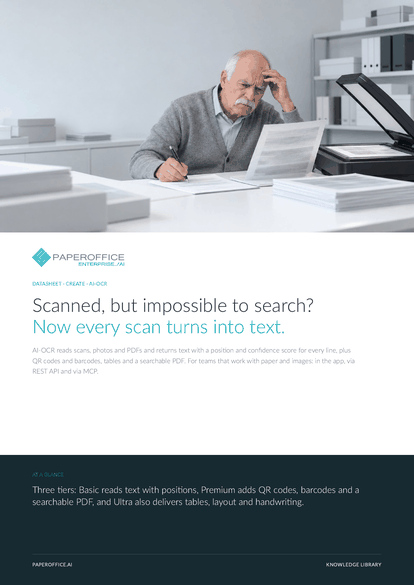
Scanned, but impossible to search? Now every scan turns into text. AI-OCR reads scans, photos and PDFs and returns text with a position and confidence score for every line, plus QR codes and barcodes, tables and a searchable PDF.
This datasheet is available in 21 languages; on this page you download the English version. Free, no registration.
Trusted by leading companies worldwide








OEM PARTNERSHIP

Sole official DMS partner for QNAP: Classic app, AI BYOS.
More

Sole official DMS partner for ASUSTOR: Classic app, AI BYOS.
MoreFor teams that work with paper and images: in the app, via REST API and via MCP.
Questions and answers
Basic returns text, Markdown and bounding boxes with confidence. Premium adds QR codes, barcodes and a searchable PDF. Ultra also delivers tables, layout with reading order and handwriting.
No. AI-OCR detects the language of each page automatically and includes it in the result.
Yes. The MCP tool po_aiocr_analyze accepts the pofid of a stored document, for example in Claude or Cursor. During AI-DMS processing in a workspace, AI-OCR runs anyway.
Every line carries a confidence score, and the app shows where it sits on the page. The score refers to the PaperOffice AI reference scale.
Our experts are happy to help you choose the right solution.
Request consultation

Integrator and Reseller can be combined. Referral by invitation.
View the partner program
AI-DMS
Documents. Intelligence. Real impact.
PaperOffice AI is the AI-DMS. Four functional areas on one DMS foundation, with three ways in.
Features, modules and benefits at a glance.
Capture, organize, search and collaborate on documents.
Plug into your systems and AI workflows.
No installation, ready in seconds.
Search all tools














