





Scan, Sign & AI Chat
Mobile App
The mobile app pairs with your account via QR code and brings scanner, signature, chat and documents to your phone.
DownloadDatasheetsPDF · EN4 pages
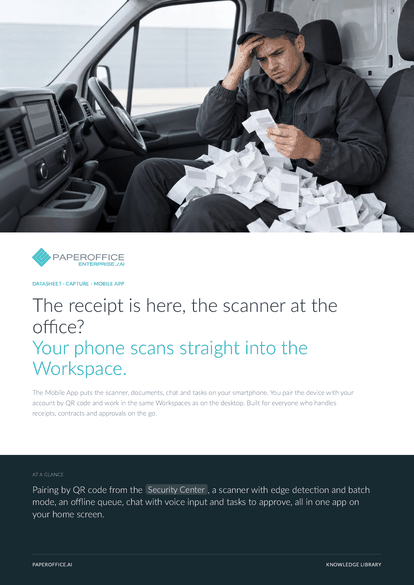
The receipt is here, the scanner at the office? Your phone scans straight into the Workspace. The Mobile App puts the scanner, documents, chat and tasks on your smartphone.
This datasheet is available in 21 languages; on this page you download the English version. Free, no registration.
Trusted by leading companies worldwide








OEM PARTNERSHIP

Sole official DMS partner for QNAP: Classic app, AI BYOS.
More

Sole official DMS partner for ASUSTOR: Classic app, AI BYOS.
MoreBuilt for everyone who handles receipts, contracts and approvals on the go.
Questions and answers
As a web app: after pairing by QR code, you place it on the home screen and open it like any other app, with no app store involved.
They wait in the queue on the device. As soon as a connection is back, the app uploads them automatically.
Remove the device from the account in the “Security Center”. Its session becomes invalid at once, and the device has to be paired again.
Yes. The app works with the paired account and its Workspaces. Where your user group has no delete right, deleting stays locked in the app as well.
Our experts are happy to help you choose the right solution.
Request consultation

Integrator and Reseller can be combined. Referral by invitation.
View the partner program
AI-DMS
Documents. Intelligence. Real impact.
PaperOffice AI is the AI-DMS. Four functional areas on one DMS foundation, with three ways in.
Features, modules and benefits at a glance.
Capture, organize, search and collaborate on documents.
Plug into your systems and AI workflows.
No installation, ready in seconds.
Search all tools














