





Scan, Sign & AI Chat
Mobile App
The mobile app pairs with your account via QR code and brings scanner, signature, chat and documents to your phone.
DownloadDatasheetsPDF · EN4 pages
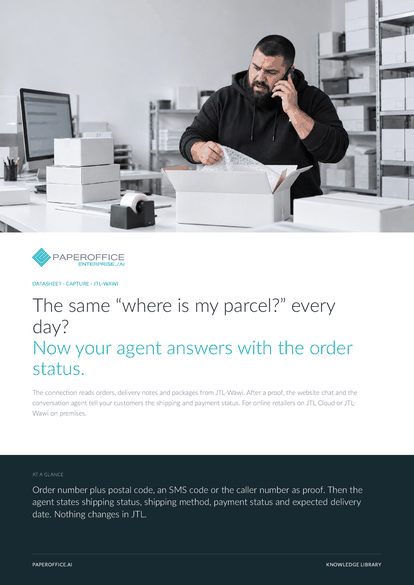
The same “where is my parcel?” every day? Now your agent answers with the order status. The connection reads orders, delivery notes and packages from JTL-Wawi.
The file is available in English and German; you download the version in the language of this page. Free, no registration.
Trusted by leading companies worldwide








OEM PARTNERSHIP

Sole official DMS partner for QNAP: Classic app, AI BYOS.
More

Sole official DMS partner for ASUSTOR: Classic app, AI BYOS.
MoreFor online retailers on JTL Cloud or JTL-Wawi on premises.
Questions and answers
Orders with order number, external number, name or company, postal code, city, email and phone, plus shipping method, shipping status, payment status and expected delivery date. Also delivery notes with packages, and items.
No. The connection runs read-only queries exclusively. No status changes in JTL, and no orders or customers are created there.
The sync runs on the interval you set, every 180 minutes by default. During a proof, PaperOffice also checks: if the order is missing from the mirror or older than 15 minutes, it comes straight from JTL.
A proof that you allow on the “Proof” tab: order number plus postal code, an SMS code to the phone number on the order, or the caller number on the phone. After that, it sees exactly the records of that proof.
Our experts are happy to help you choose the right solution.
Request consultation

Integrator and Reseller can be combined. Referral by invitation.
View the partner program
AI-DMS
Documents. Intelligence. Real impact.
PaperOffice AI is the AI-DMS. Four functional areas on one DMS foundation, with three ways in.
Features, modules and benefits at a glance.
Capture, organize, search and collaborate on documents.
Plug into your systems and AI workflows.
No installation, ready in seconds.
Search all tools














