





Scan, Sign & AI Chat
Mobile App
The mobile app pairs with your account via QR code and brings scanner, signature, chat and documents to your phone.
DownloadDatasheetsPDF · EN4 pages
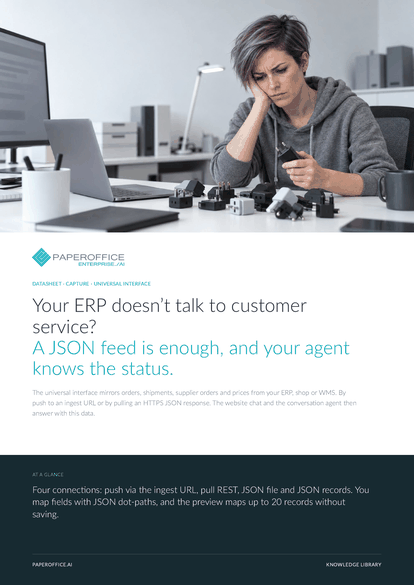
Your ERP doesn’t talk to customer service? A JSON feed is enough, and your agent knows the status. The universal interface mirrors orders, shipments, supplier orders and prices from your ERP, shop or WMS.
This datasheet is available in 21 languages; on this page you download the English version. Free, no registration.
Trusted by leading companies worldwide








OEM PARTNERSHIP

Sole official DMS partner for QNAP: Classic app, AI BYOS.
More

Sole official DMS partner for ASUSTOR: Classic app, AI BYOS.
MoreIn practice: Shop with its own API · Warehouse reports by push · Test before go-live
Questions and answers
Any system that can send or serve JSON over HTTPS, such as an ERP, a shop or a WMS. JTL-Wawi and Holded have ready-made recipes.
Push if your system actively sends data: up to 500 records per POST. Pull if it serves a JSON response over HTTPS: one response per run with up to 500 records. Send large inventories by push in batches.
No. Data flows to PaperOffice exclusively. Push and pull create or update records in the mirror.
On the “Mapping” tab with JSON dot-paths, for example data.orders as the array path and order.number as the key path. You either store the whole raw object or map individual fields.
Our experts are happy to help you choose the right solution.
Request consultation

Integrator and Reseller can be combined. Referral by invitation.
View the partner program
AI-DMS
Documents. Intelligence. Real impact.
PaperOffice AI is the AI-DMS. Four functional areas on one DMS foundation, with three ways in.
Features, modules and benefits at a glance.
Capture, organize, search and collaborate on documents.
Plug into your systems and AI workflows.
No installation, ready in seconds.
Search all tools














