





Scan, Sign & AI Chat
Mobile App
The mobile app pairs with your account via QR code and brings scanner, signature, chat and documents to your phone.
DownloadDatasheetsPDF · EN4 pages
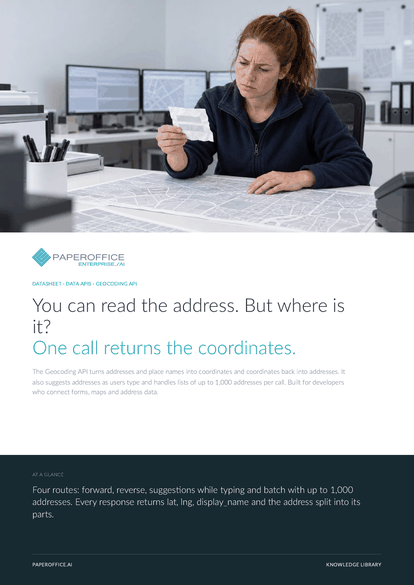
You can read the address. But where is it? One call returns the coordinates. The Geocoding API turns addresses and place names into coordinates and coordinates back into addresses.
The file is available in English and German; you download the version in the language of this page. Free, no registration.
Trusted by leading companies worldwide








OEM PARTNERSHIP

Sole official DMS partner for QNAP: Classic app, AI BYOS.
More

Sole official DMS partner for ASUSTOR: Classic app, AI BYOS.
MoreIn practice: Delivery address at checkout · Cleaning up customer records · Senders on the map
Questions and answers
Up to 1,000 addresses per call, sent as a JSON list addresses or as the form field addresses[]. Results come back in the same order as your list.
Yes. Create a key of type “Publishable Key” with the scope “Look up (e.g., addresses, currencies)” and enter the origins of your website. For servers and scripts, use the type “API Key”.
Yes. The MCP tools po_geocoding_forward, po_geocoding_reverse and po_geocoding_autocomplete are available on the /claude, /cursor and /dms endpoints.
By usage. Current prices are on the pricing page, and you can see your usage under “API & Developer › API Usage”.
Our experts are happy to help you choose the right solution.
Request consultation

Integrator and Reseller can be combined. Referral by invitation.
View the partner program
AI-DMS
Documents. Intelligence. Real impact.
PaperOffice AI is the AI-DMS. Four functional areas on one DMS foundation, with three ways in.
Features, modules and benefits at a glance.
Capture, organize, search and collaborate on documents.
Plug into your systems and AI workflows.
No installation, ready in seconds.
Search all tools














