





Scan, Sign & AI Chat
Mobile App
The mobile app pairs with your account via QR code and brings scanner, signature, chat and documents to your phone.
DownloadDatasheetsPDF · EN4 pages
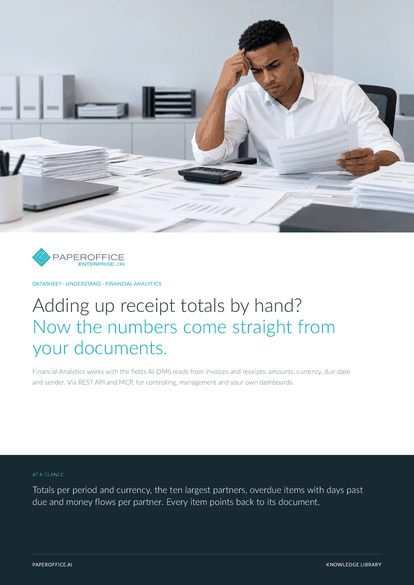
Adding up receipt totals by hand? Now the numbers come straight from your documents. Financial Analytics works with the fields AI-DMS reads from invoices and receipts: amounts, currency, due date and sender.
This datasheet is available in 21 languages; on this page you download the English version. Free, no registration.
Trusted by leading companies worldwide








OEM PARTNERSHIP

Sole official DMS partner for QNAP: Classic app, AI BYOS.
More

Sole official DMS partner for ASUSTOR: Classic app, AI BYOS.
MoreIn practice: Management's monthly view · Preparing reminders · Where the money goes
Questions and answers
From the fields AI-DMS Premium and above reads from invoices and receipts: amount, currency, due date, sender and document type. You enter nothing by hand.
When its due date is before today. The response gives the days past due. Whether it was paid is decided in your accounting system.
It complements it. Financial Analytics shows what the processed documents say. Bookkeeping stays in your accounting software.
Usage-based. You will find the current terms on the pricing page.
Our experts are happy to help you choose the right solution.
Request consultation

Integrator and Reseller can be combined. Referral by invitation.
View the partner program
AI-DMS
Documents. Intelligence. Real impact.
PaperOffice AI is the AI-DMS. Four functional areas on one DMS foundation, with three ways in.
Features, modules and benefits at a glance.
Capture, organize, search and collaborate on documents.
Plug into your systems and AI workflows.
No installation, ready in seconds.
Search all tools














