





Scan, Sign & AI Chat
Mobile App
The mobile app pairs with your account via QR code and brings scanner, signature, chat and documents to your phone.
DownloadDatasheetsPDF · EN4 pages
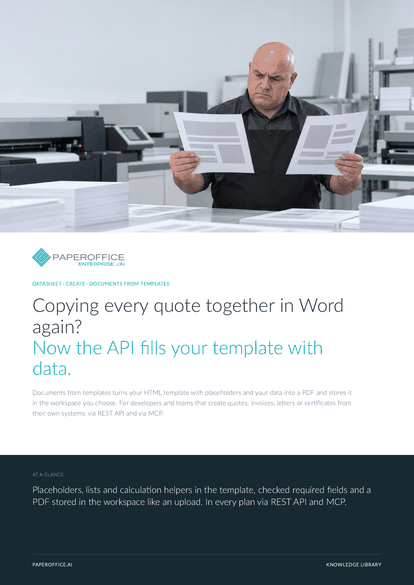
Copying every quote together in Word again? Now the API fills your template with data. Documents from templates turns your HTML template with placeholders and your data into a PDF and stores it in the workspace you choose.
The file is available in English and German; you download the version in the language of this page. Free, no registration.
Trusted by leading companies worldwide








OEM PARTNERSHIP

Sole official DMS partner for QNAP: Classic app, AI BYOS.
More

Sole official DMS partner for ASUSTOR: Classic app, AI BYOS.
MoreFor developers and teams that create quotes, invoices, letters or certificates from their own systems: via REST API and via MCP.
Questions and answers
create-from-content renders the Markdown or HTML you send. create-from-template fills a stored template with your variables and uses its page format, margins, header and footer.
In the workspace you specify with workspace_id, just like an upload. You need upload permission there. If the workspace has an AI-DMS automation, it processes the PDF like any new document.
Yes, in the Corporate plan: starter templates for quotation, invoice, business letter and certificate, each in German and English. On the “Document templates” page, use “From starter” to create your own template from one.
The main account and admins. template-delete deactivates a template, and template-update with is_active turns it back on.
Our experts are happy to help you choose the right solution.
Request consultation

Integrator and Reseller can be combined. Referral by invitation.
View the partner program
AI-DMS
Documents. Intelligence. Real impact.
PaperOffice AI is the AI-DMS. Four functional areas on one DMS foundation, with three ways in.
Features, modules and benefits at a glance.
Capture, organize, search and collaborate on documents.
Plug into your systems and AI workflows.
No installation, ready in seconds.
Search all tools














