





Scan, Sign & AI Chat
Mobile App
The mobile app pairs with your account via QR code and brings scanner, signature, chat and documents to your phone.
DownloadDatasheetsPDF · EN4 pages
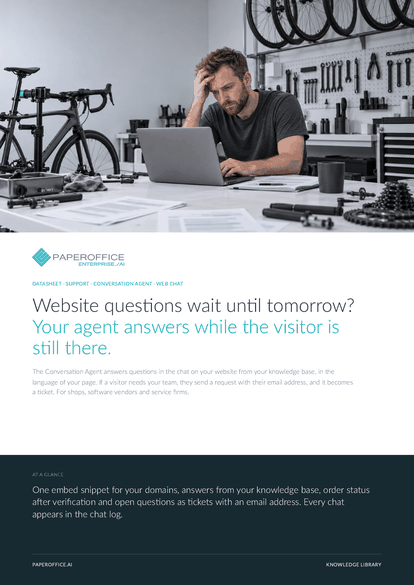
Website questions wait until tomorrow? Your agent answers while the visitor is still there. The Conversation Agent answers questions in the chat on your website from your knowledge base, in the language of your page.
This datasheet is available in 21 languages; on this page you download the English version. Free, no registration.
Trusted by leading companies worldwide








OEM PARTNERSHIP

Sole official DMS partner for QNAP: Classic app, AI BYOS.
More

Sole official DMS partner for ASUSTOR: Classic app, AI BYOS.
MoreFor shops, software vendors and service firms.
Questions and answers
With the “Embed snippet” from the “Website chat” tab. It appears after saving and runs on the domains you allow. If you rotate the site key, replace the code on your website.
The knowledge bases you assign to it and, for order status after verification, your connected business data. Workspace documents stay locked for website visitors.
Yes. Below the name in the chat window, it says “AI assistant”, and a note below the input field suggests sending a request when in doubt.
Once the maximum number of new conversations per hour is reached, the widget shows “It is quite busy at the moment.” and asks for an email address. Ongoing conversations continue.
Our experts are happy to help you choose the right solution.
Request consultation

Integrator and Reseller can be combined. Referral by invitation.
View the partner program
AI-DMS
Documents. Intelligence. Real impact.
PaperOffice AI is the AI-DMS. Four functional areas on one DMS foundation, with three ways in.
Features, modules and benefits at a glance.
Capture, organize, search and collaborate on documents.
Plug into your systems and AI workflows.
No installation, ready in seconds.
Search all tools














