





Scan, Sign & AI Chat
Mobile App
The mobile app pairs with your account via QR code and brings scanner, signature, chat and documents to your phone.
DownloadDatasheetsPDF · EN4 pages
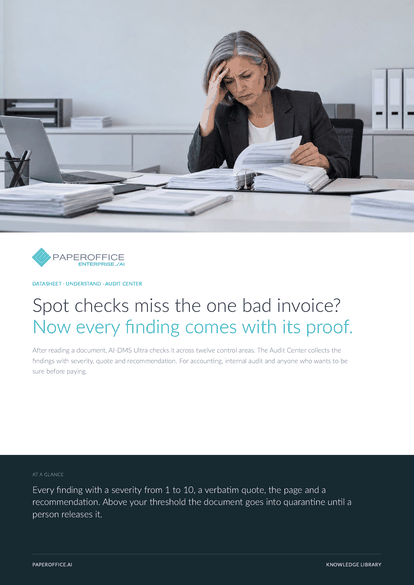
Spot checks miss the one bad invoice? Now every finding comes with its proof. After reading a document, AI-DMS Ultra checks it across twelve control areas.
This datasheet is available in 21 languages; on this page you download the English version. Free, no registration.
Trusted by leading companies worldwide








OEM PARTNERSHIP

Sole official DMS partner for QNAP: Classic app, AI BYOS.
More

Sole official DMS partner for ASUSTOR: Classic app, AI BYOS.
MoreFor accounting, internal audit and anyone who wants to be sure before paying.
Questions and answers
The check runs on every document processed with AI-DMS Ultra. Under “Organization Settings › Document Audit Quarantine” you decide whether quarantine applies and from which severity.
Always a person. The AI finds and rates. Your team reads the proof, marks the finding as reviewed, creates a task or releases a quarantined document.
Download, export, move, copy, rename and delete stay locked. Reviewing findings, notes and tasks continue. The PDF report can be created at any time.
Yes. Findings, change history and the PDF report are available via the REST API, and in Claude and Cursor as MCP tools such as po_analytics_audit_center_get.
Our experts are happy to help you choose the right solution.
Request consultation

Integrator and Reseller can be combined. Referral by invitation.
View the partner program
AI-DMS
Documents. Intelligence. Real impact.
PaperOffice AI is the AI-DMS. Four functional areas on one DMS foundation, with three ways in.
Features, modules and benefits at a glance.
Capture, organize, search and collaborate on documents.
Plug into your systems and AI workflows.
No installation, ready in seconds.
Search all tools














