



DownloadChecklistsPDF · EN2 pages
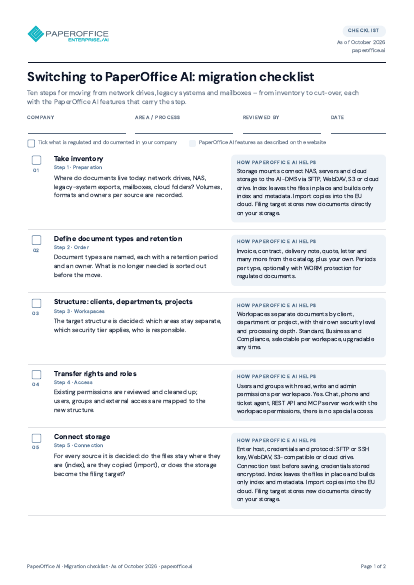
Switching to PaperOffice AI: migration checklist
Ten steps for moving from network drives, legacy systems and mailboxes – from inventory via pilot and import to the cut-over date.
The file is available in English and German; you download the version in the language of this page. Free, no registration.
Trusted by leading companies worldwide








OEM PARTNERSHIP
Hardware giants choose PaperOffice exclusively.

Sole official DMS partner for QNAP: Classic app, AI BYOS.
More

Sole official DMS partner for ASUSTOR: Classic app, AI BYOS.
MoreWhat's inside
- Take inventory
- Define document types and retention
- Structure: clients, departments, projects
- Transfer rights and roles
- Connect storage
- Pilot and import
- Verify recognition
- Set up processes anew
- Evidence and logging
- Cut-over and legacy system
Who it is for
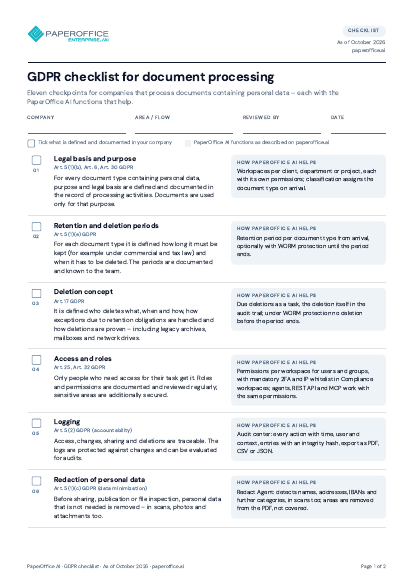
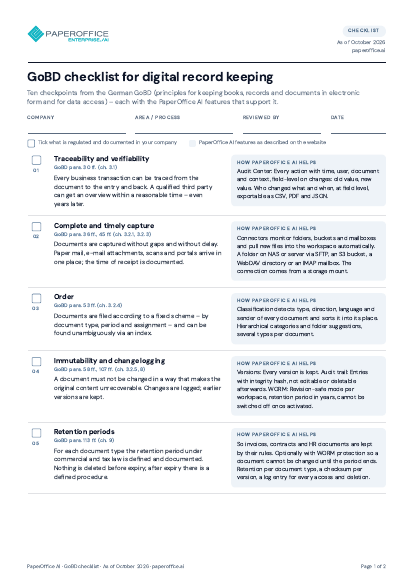
Project leads and IT moving documents from network drives, legacy systems and mailboxes to PaperOffice AI – ten steps from inventory to the cut-over date.
Key facts
- Ten steps from inventory via pilot and import to the cut-over date
- Sources: network drives, NAS, legacy-system exports, mailboxes, cloud folders
- Decide per source: leave files in place and index them, copy them or phase the source out
- Evidence and logging of the move with checksums
Questions and answers
Frequently asked questions about this download
Do I have to copy all documents?
No. For every source you decide whether the files stay where they are and get indexed, whether they are copied or whether the source is phased out. Your own storage such as a NAS can be connected as a storage mount.
Where should I start?
With one area as a pilot: one workspace, one document type, one import. A sample is checked for text, tables, document type and extracted fields before the next area follows.
What happens to the legacy system?
From the cut-over date work happens only in the new system; the legacy system stays readable for a transition period until retention periods and evidence have been taken over.
Need personalized advice?
Our experts are happy to help you choose the right solution.
Request consultation