
Share link. |
Share a branded booking page when customers should self-schedule — fed by your meeting types and agent calendar rules, not a separate scheduling stack.
Booking Page in action
See how PaperOffice Booking Page works in practice — in this video.
Customers book independently.
Use public booking when external parties need a link — agents still orchestrate internal follow-ups from document deadlines. Confirmations and reminders stay in Calendar AI.
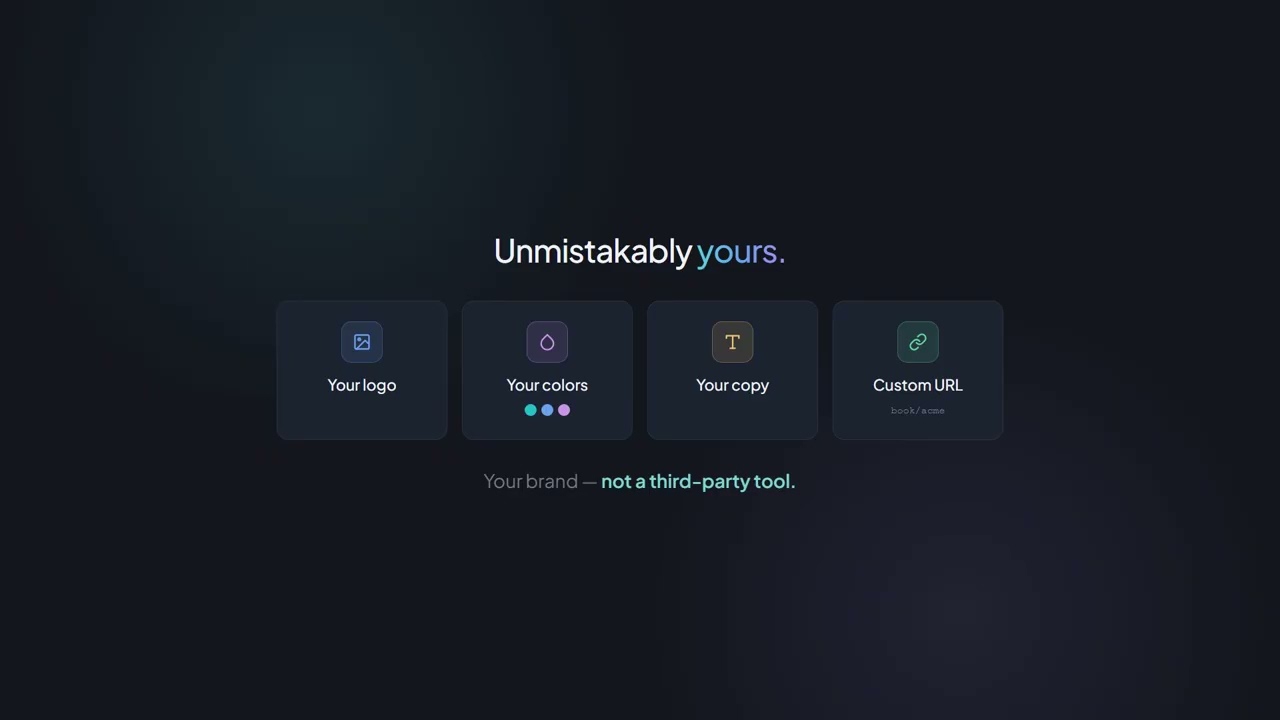
Your booking page, your branding.
One output channel for agent-configured meeting types — professional, branded, optional.
Personal booking link
Your link: app.paperoffice.ai/en/book/your-name (app_base_url configurable).
Branding
Logo, colours and copy — optional self-service channel, not a separate scheduling product.
Meeting type selection
Guests pick a type from your agent templates — fed by meeting types, not a separate scheduling product.
Guest time zone
Available slots in the guest's time zone — part of the optional output channel.
Website embed
Booking channel as a widget (<code>?embed=1</code>) on your site — still fed by meeting types.
No account required
Guests do not need a PaperOffice account — name, email, slot.
When the optional channel fits
Signature link
Share a booking link when external parties should pick a slot — agents still orchestrate internal deadlines.
Website CTA
Branded booking page as a button — output channel for document-context meeting types.
Social & messaging
Link in profiles or messages — optional self-service, not a separate scheduling stack.
Offline to online
QR or print points to the same booking page at app.paperoffice.ai.
Use the optional booking channel?
Branded page at app.paperoffice.ai/en/book/{slug} — output channel for document-context meeting types.