


Premier appel API
Créez votre première application Document-AI avec un seul prompt.
Conçu pour les agents de codage. Moins de recherche API, plus de focus sur le produit et le résultat.
- Infrastructure propre en UE Vos données restent en Europe.
- ISO/IEC 27001 certifié Sécurité certifiée.
- SOC 2 Type II en préparation Normes d'audit internationales.
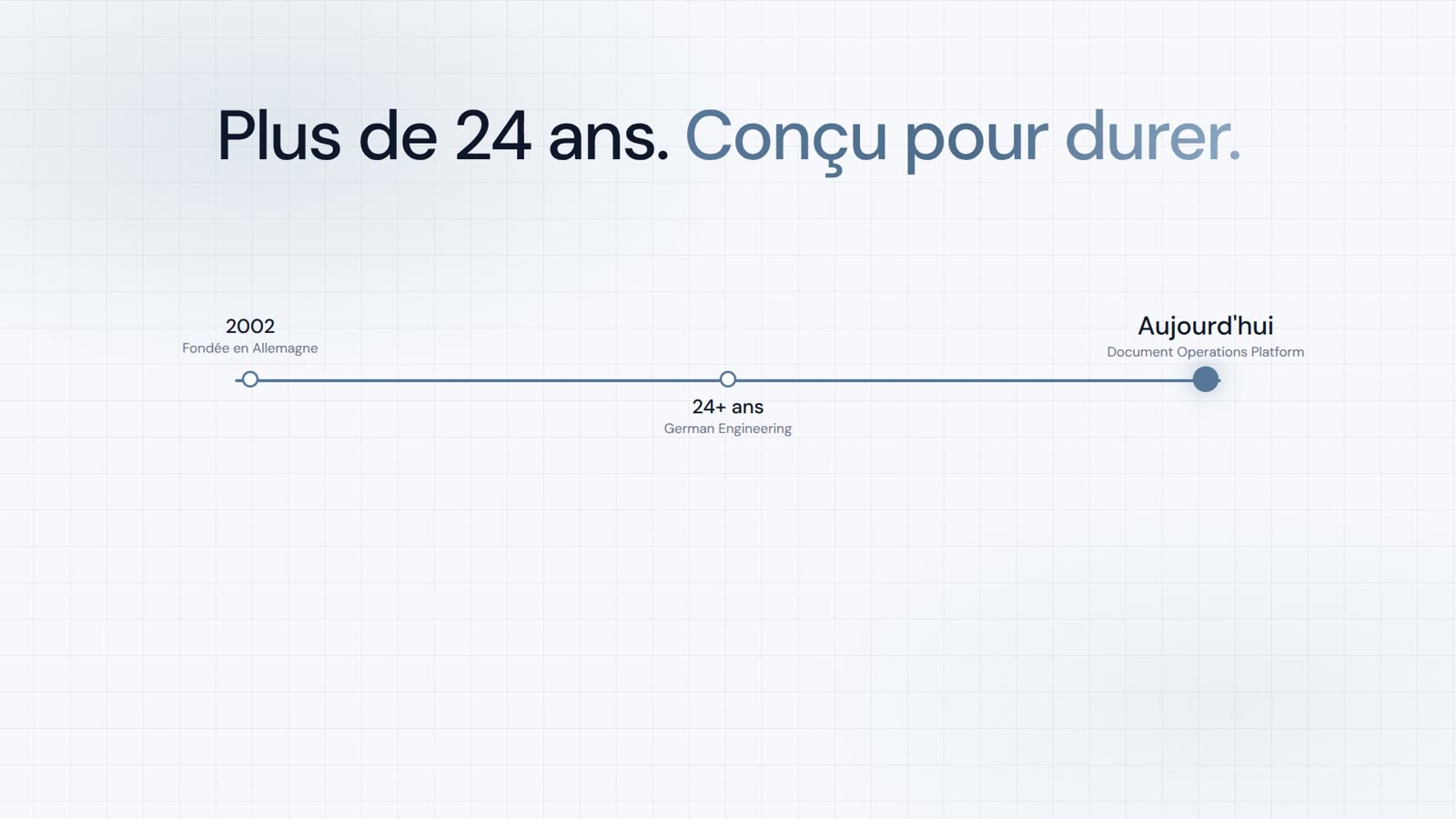
- Plus de 24 ans d'expérience Eprouvé. Stable. Avenir sécurisé.
Comment souhaitez-vous commencer ?
Veuillez saisir une clé po_ut_ valide pour l'invite zero-shot.
Uniquement dans cet onglet du navigateur. Lors de la saisie, la clé est transmise à l'outil de codage.
Fournir PaperOffice à l'agent de codage
Spécification PaperOffice API lisible par IA
https://api.paperoffice.ai/latest/docs/llms.txt Fonctionne avec
- Cursor
- Claude Code
- Codex
- AI Coding Agents
Copier et coller l'instruction
Instruction de construction Document-AI prête
Read in full:
https://api.paperoffice.ai/latest/docs/llms.txt

Task:
Build, run and verify a production-ready Document AI batch web app with PaperOffice AI-OCR.

Access:
Demo mode:
Use the preprocessed responses and Sandwich PDFs from this manifest: https://paperoffice.ai/demos/ai-ocr/batch/manifest.json
Clearly label the mode as a static demo. Never claim live processing.

Synthetic batch source files:
- https://paperoffice.ai/demos/ai-ocr/batch/sample1-source.jpg
- https://paperoffice.ai/demos/ai-ocr/batch/sample2-source.jpg
- https://paperoffice.ai/demos/ai-ocr/batch/sample3-source.jpg

Preprocessed demo artifacts:
- Responses: https://paperoffice.ai/demos/ai-ocr/batch/sample1-response.json | https://paperoffice.ai/demos/ai-ocr/batch/sample2-response.json | https://paperoffice.ai/demos/ai-ocr/batch/sample3-response.json
- Sandwich PDFs: https://paperoffice.ai/demos/ai-ocr/batch/sample1-searchable.pdf | https://paperoffice.ai/demos/ai-ocr/batch/sample2-searchable.pdf | https://paperoffice.ai/demos/ai-ocr/batch/sample3-searchable.pdf
- Complete package: https://paperoffice.ai/demos/ai-ocr/batch/paperoffice-aiocr-batch-demo.zip

Requirements:
- Download and process all three source JPGs together as one batch
- Run AI-OCR Complete with ocr_mode=complete, output_searchable_pdf=true, processing_lane=instant and client_wait=true
- Call the documented endpoint once per file; send every live upload as multipart/form-data in file_1
- Coordinate the three jobs as one batch and show per-file progress and partial results
- In demo mode, use only the preprocessed responses and PDFs without new API processing
- Fully implement upload, processing, HTTP 202 polling, errors and result
- For every file, render and offer downloads for the source JPG, OCR text, bounding boxes, response and Sandwich PDF
- Offer individual downloads and the complete demo batch download
- Use only endpoints documented in llms.txt
- Do not invent APIs, fields or download URLs

Result:
Implement the complete batch app, start it and verify all three source files.- 1 Coller dans l'agent de codage
- 2 Exécuter l'application générée
Terminé !
Prochaine étape
Voici comment continuer
L'étape suivante recommandée dans l'entonnoir des développeurs et deux branches correspondantes.