



Svetainės žemėlapis Svetainės žemėlapis Naujienos Naujienos
Bendrinti
Lietuvių
EUR €
Naujienos
NAUJA
Claude & ChatGPT — Supercharged.
Visi dokumentai · 350+ AI įrankių · 30 sek sąranka
Claude· ChatGPT· Cursor· Gemini· +50
Prisijungti dabar
AI-DMS
50+ AI modulių ir įrankių
Sprendimai
Pramonės šakos, procesai, rizikos
Resursai
Vadovėliai, tinklaraštis, palaikymas
Developer
API, SDK, dokumentacija
Partneriai
Integrator & Reseller — apply in the app
Įmonė
Team, careers, contact
Kainodara
MCP plugin · Setup guide

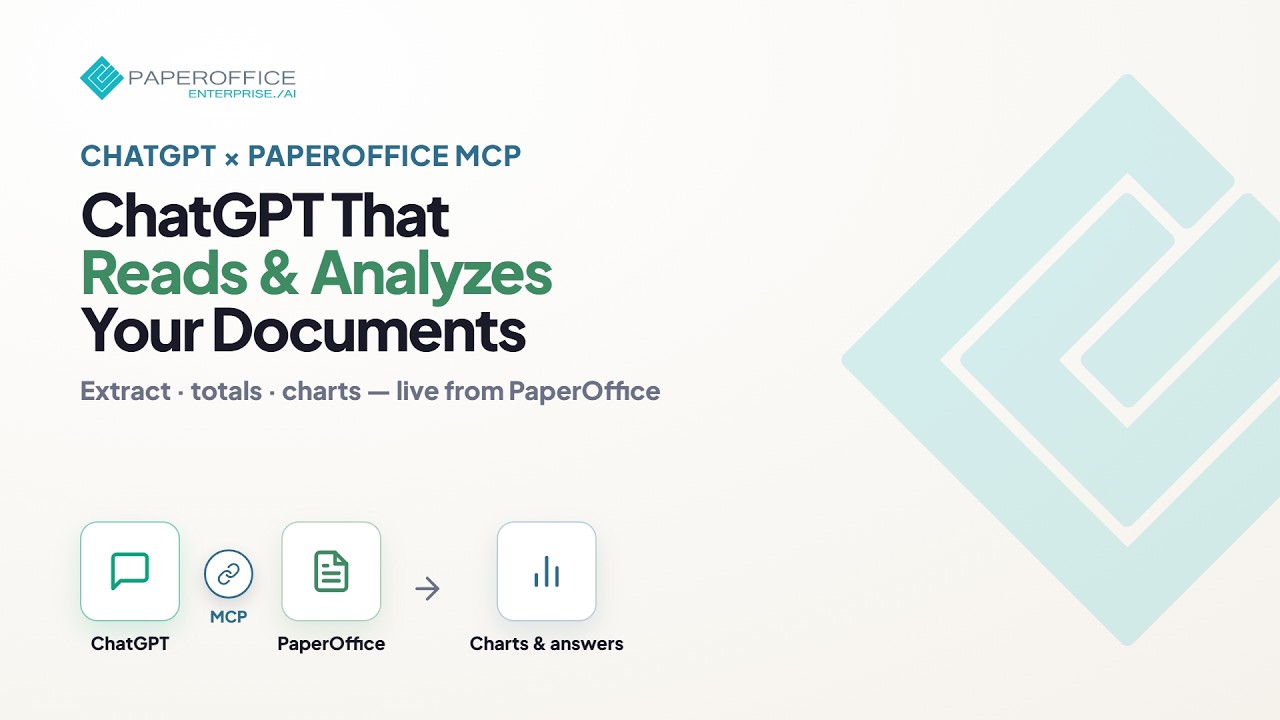
Naudokite PaperOffice viduje ChatGPT

The same AI-DMS — connected to ChatGPT in minutes via the MCP server. Test instantly with the demo workspace or connect your own account.

1 žingsnis

Gaukite API raktą

Pasirinkite kelią. ChatGPT sujungimas toliau yra identiškas abiem atvejais.

Rekomenduojama testavimui

Išbandykite iškart — be paskyros

Naudokite bendrą demonstracinį API raktą, kad nedelsdami bendrautumėte su paruoštu demonstraciniu darbalaukiu — registracijos nereikia.

Demonstracinis API raktas
po_gt_15_131_3687fbff1cb5a88bc546400c9ce2944904b1acbbd0ef8462

Demonstracinis raktas suteikia prieigą tik prie bendro demonstracinio darbalaukio. Savo dokumentams naudokite skirtuką Su paskyra.

Prijunkite PaperOffice ChatGPT

Follow these steps in ChatGPT — in the same order as in the app. Identical for demo and your own account. Developer mode and custom plugins typically require a paid ChatGPT plan.

Žingsnis 2

Enable Developer mode

In ChatGPT open Settings → Security and login and turn on Developer mode (Increased risk notice).

Žingsnis 3

Open Plugins and choose +

In the ChatGPT sidebar open @ Plugins, then click + next to Search plugins.

Žingsnis 4

Fill in the New plugin dialog

Paste name and MCP URL using the copy buttons — keep Server URL and OAuth. Confirm the risk checkbox, then click Create.

New plugin

×
Connection
Server URL Tunnel
https://mcp.paperoffice.ai/openai
Authentication
OAuth

Leave advanced OAuth settings as detected.

Custom MCP servers carry risks.
Read instructions Create
Žingsnis 5

Confirm in ChatGPT

In the ChatGPT consent dialog choose Sign in with PaperOffice AI — then the PaperOffice authorization page opens.

Žingsnis 6

Authorize on the PaperOffice page

Paste your API key from step 1 (demo) or step 03 (own account) and click Authorize. Return destination is ChatGPT.

Autentifikavimas MCP prieigai

ChatGPT prašo prieigos prie jūsų PaperOffice paskyros per MCP.

Grįžti po patvirtinimo
ChatGPT
Suteikta galimybė
Access (openid mcp:tools)

Įklijuokite demonstracinį raktą iš 1 žingsnio, tada spustelėkite Authorize (Autentifikacija).

Atšaukti Autentifikacija
PaperOffice MCP Server — saugus ryšys su AI asistentais
Žingsnis 7

Pradėkite bendrauti su ChatGPT

PaperOffice is connected. Start a new chat and use the plugin via @ or Sources — with the sample prompts below.

Pavyzdinės užklausos

Veikia demonstraciniame darbalaukyje ir jūsų paskyroje — įklijuokite į ChatGPT.

  • Kokie dokumentai yra mano darbalaukyje?
  • Apibendrinkite naujausią dokumentą.
  • Raskite visas sąskaitas faktūras ir išvardinkite jų sumas.
  • Kuriuose sutartyse nurodytas įspėjimo terminas?

Paruošta įmonėms nuo pirmosios užklausos

  • ES talpinama infrastruktūra ir duomenų rezidavimo vietos
  • Bring your own storage (BYOS) — your documents stay yours
  • Granuliarūs įrankiai ir įrankių rinkiniai vietoj bendros prieigos
  • Tokie patys leidimai ir audito pėdsakas kaip AI-DMS programoje

Also works with Claude and Cursor

The MCP connector is not limited to ChatGPT — the same PaperOffice endpoints work in any MCP-capable client.

ChatGPTClaudeCursorGemini

Pasiruošę prijungti PaperOffice prie ChatGPT?

Set it up once — then use your entire document management directly inside ChatGPT.

Apie MCP jungtį Set up Claude instead