

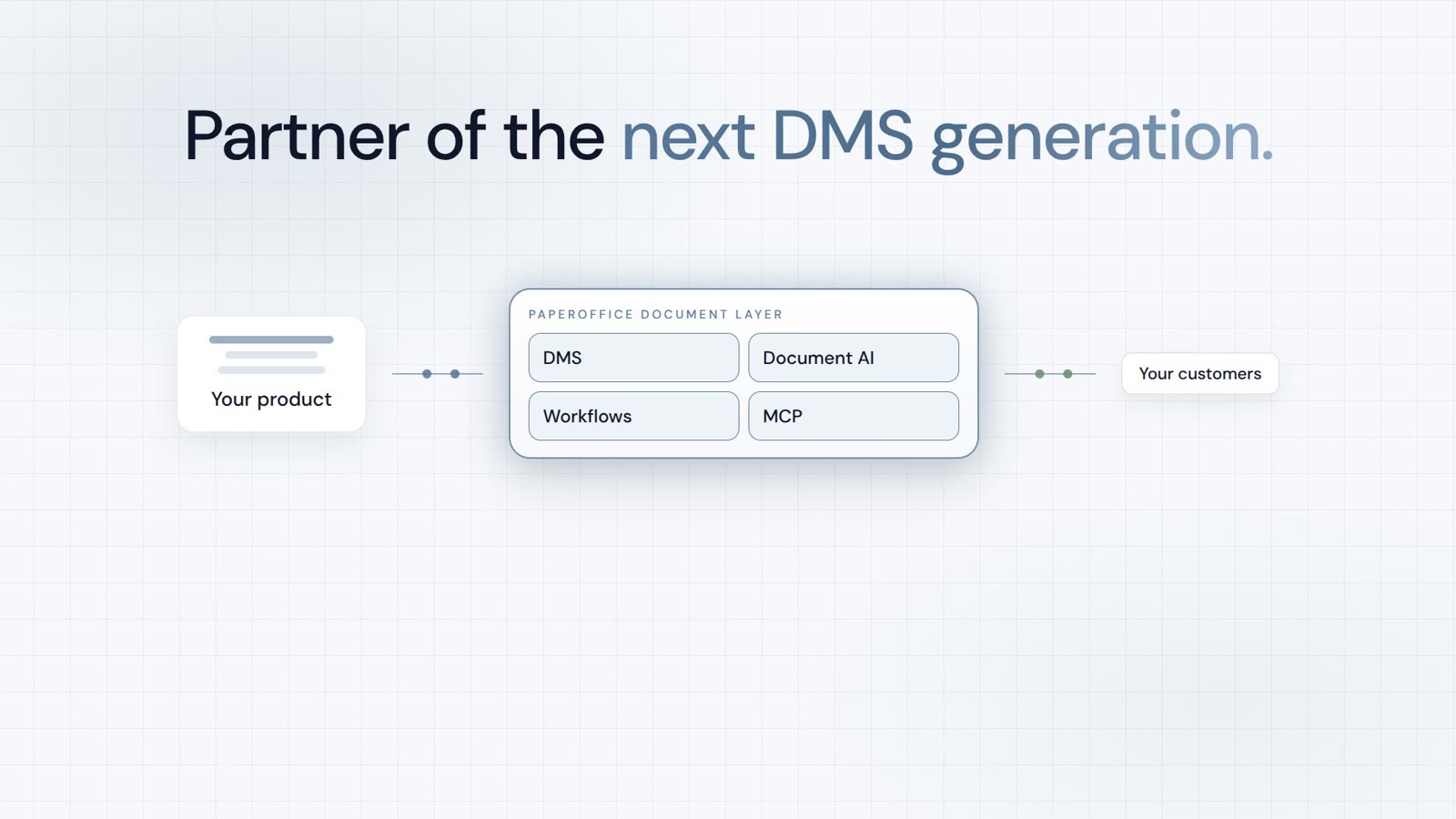
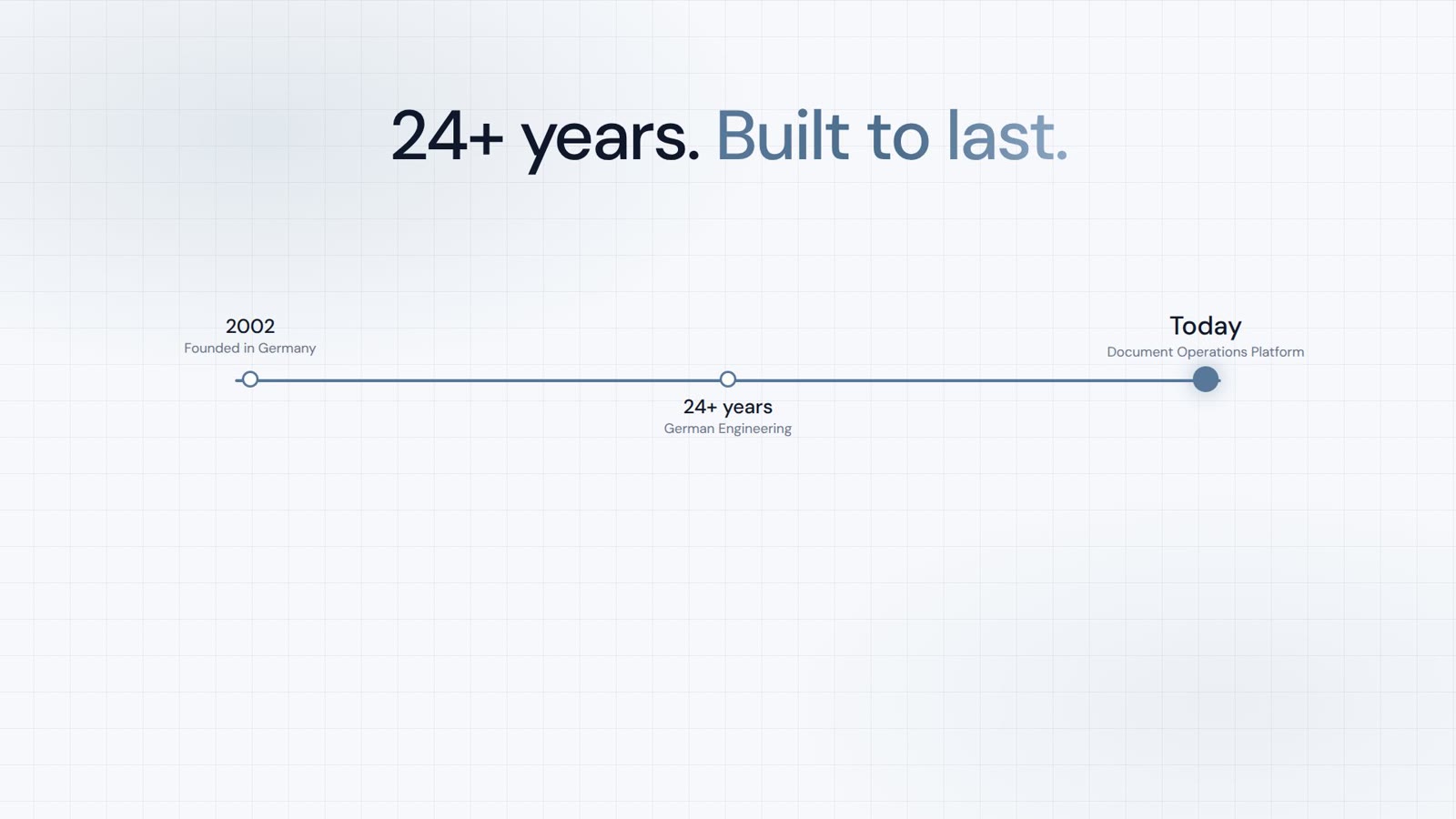












समस्या: कंपनियाँ अपने दस्तावेज़ों को नियंत्रण में क्यों नहीं रख पातीं
अध्ययन दर्शाते हैं: कर्मचारी दस्तावेज़ों और जानकारी की खोज में प्रति सप्ताह औसतन 7.5 घंटे बिताते हैं। 50 कर्मचारियों वाली कंपनी में, यह प्रति वर्ष 19,000 से अधिक खोए हुए कार्य घंटे हैं — छह अंकों की लागत जो किसी चालान पर दिखाई नहीं देती।
लक्षण हर जगह समान हैं:
- दस्तावेज़ अव्यवस्था:फ़ाइलें नेटवर्क ड्राइव, ईमेल इनबॉक्स, स्थानीय हार्ड ड्राइव और क्लाउड सेवाओं में बिखरी हुई हैं
- संस्करण विरोध:कौन सा संस्करण वर्तमान है? अंतिम संपादन किसने किया? कोई नहीं जानता
- अनुपालन जोखिम:अवधारण अवधि बनाए नहीं रखी जाती, पहुँच अधिकार नियंत्रित नहीं होते
- ज्ञान साइलो:जब कोई कर्मचारी नौकरी छोड़ता है, तो उनका सारा दस्तावेज़ ज्ञान उनके साथ चला जाता है
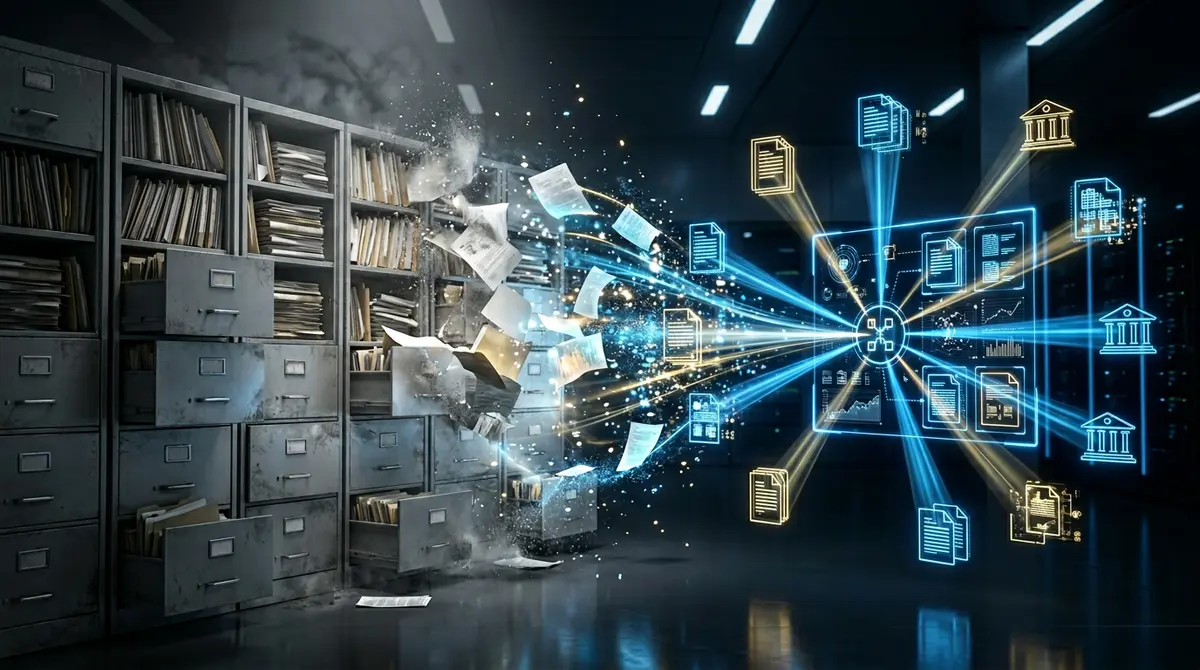
एक आधुनिक DMS एक डिजिटल फ़ाइलिंग कैबिनेट नहीं है — यह आपकी कंपनी का तंत्रिका तंत्र है। जो यहाँ कटौती करते हैं, वे दस गुना भुगतान करते हैं।
एक पारंपरिक DMS क्या कर सकता है — और यह कहाँ विफल होता है
पारंपरिक दस्तावेज़ प्रबंधनसिस्टम जैसे SharePoint, DocuWare, या M-Files बुनियादी बातों को हल करते हैं: केंद्रीय भंडारण, संस्करण नियंत्रण, अनुमतियाँ। लेकिन 2026 में, यह अब पर्याप्त नहीं है।
| कार्य | पारंपरिक DMS | AI-आधारित DMS |
|---|---|---|
| खोज | पूर्ण-पाठ + मेटाडेटा | सिमैंटिक + हाइब्रिड + प्रासंगिक |
| वर्गीकरण | मैन्युअल या नियम-आधारित | LLM के माध्यम से स्वचालित |
| डेटा निष्कर्षण | टेम्पलेट-आधारित (OCR) | ज़ीरो-शॉट AI-IDP बाउंडिंग बॉक्स के साथ |
| भाषाएं | 10–30 | 139+ |
| एकीकरण | REST API (सीमित) | 300+ उपकरण, बैच API |
| सेटअप | हफ्तों से महीनों | API कॉल — तुरंत उत्पादक |
मुख्य समस्या: पारंपरिक DMS सिस्टम संग्रहीत करते हैं दस्तावेज़। आधुनिक AI-आधारित सिस्टम समझते हैं उन्हें। यह अंतर 2026 के लिए गेम चेंजर है।
आधुनिक DMS की 7 अनिवार्य विशेषताएं
2026 में अग्रणी DMS प्रदाताओं और उद्यम ग्राहक आवश्यकताओं के विश्लेषण के आधार पर, ये सात मुख्य विशेषताएं मानक को परिभाषित करती हैं:
1. AI-संचालित खोज
केवल पूर्ण-पाठ सटीक मिलान ढूंढता है। सिमैंटिक खोज अर्थ समझती है: “मुझे कंपनी X के साथ अगले महीने समाप्त होने वाले सभी अनुबंध दिखाएं” — भले ही “समाप्त” दस्तावेज़ में कहीं न दिखे।
2. ज़ीरो-शॉट दस्तावेज़ समझ
कोई प्रशिक्षण नहीं, कोई टेम्पलेट नहीं, कोई कॉन्फ़िगरेशन नहीं। सिस्टम हर दस्तावेज़ को पहली बार समझता है — चालान, अनुबंध, पत्राचार, फॉर्म। बुद्धिमान दस्तावेज़ प्रसंस्करण (AI-IDP) LLM के साथ इसे संभव बनाता है।
3. ट्रेसेबिलिटी के लिए बाउंडिंग बॉक्स
न केवल यह बताना कि क्या निकाला गया, बल्कि कहाँ से। पिक्सेल-सटीक निर्देशांक दिखाते हैं कि दस्तावेज़ का कौन सा भाग डेटा स्रोत है। अनुपालन और ऑडिट के लिए आवश्यक।
4. बहु-भाषा क्षमता
वैश्विक कंपनियों को ऐसे DMS सिस्टम की आवश्यकता है जो अरबी, चीनी या हस्तलिखित पाठ के साथ विफल न हों। 139+ भाषाएँ मानक होनी चाहिए, अपवाद नहीं।
5. API-प्रथम आर्किटेक्चर
एक आधुनिक DMS को मौजूदा ERP, CRM और अकाउंटिंग सिस्टम के साथ सहजता से एकीकृत होना चाहिए। प्लगइन के माध्यम से नहीं, बल्कि सैकड़ों परमाणु उपकरणों वाले पूर्ण API के माध्यम से।
6. ऑन-प्रिमाइसेस और डेटा संप्रभुता
हर कंपनी अपने दस्तावेज़ किसी तीसरे पक्ष के क्लाउड में संग्रहीत नहीं करना चाहती। अपने स्वयं के हार्डवेयर (NAS, स्वयं के सर्वर) पर DMS चलाने का विकल्प कई उद्योगों के लिए निर्णायक है।
7. स्वचालित अनुपालन
GoBD, GDPR, HIPAA — स्वचालित प्रतिधारण अवधि, ऑडिट-प्रूफ आर्काइविंग, पूर्ण ऑडिट ट्रेल और स्वचालित PII पहचान को बाद में नहीं जोड़ा जाना चाहिए, बल्कि शुरू से ही निर्मित होना चाहिए।
DMS तुलना 2026: SharePoint बनाम DocuWare बनाम PaperOffice AI
हमने तीन सबसे चर्चित DMS प्लेटफार्मों की बिंदुवार तुलना की है:
| विशेषता | SharePoint | DocuWare | PaperOffice AI |
|---|---|---|---|
| AI खोज | Copilot (बुनियादी) | पूर्ण-पाठ | 800+ LLMs, सिमैंटिक + हाइब्रिड |
| AI-IDP / डेटा निष्कर्षण | नहीं | OCR + टेम्पलेट | ज़ीरो-शॉट, बाउंडिंग बॉक्स |
| भाषाएँ | ~30 | ~20 | 139 |
| API उपकरण | Graph API (सीमित) | REST (मानक) | 300+ परमाणु उपकरण |
| होस्टिंग | क्लाउड (Microsoft 365) | क्लाउड या ऑन-प्रिमाइसेस | NAS (QNAP/Synology), ऑन-प्रिमाइसेस, क्लाउड |
| आर्काइविंग | प्रतिधारण लेबल | ऑडिट-प्रूफ | GoBD-अनुपालन, एन्क्रिप्टेड |
| दस्तावेज़ समझ | मेटाडेटा-आधारित | नियम-आधारित | तर्क के साथ LLM-आधारित |
| मूल्य निर्धारण मॉडल | $12.50 प्रति उपयोगकर्ता/माह से | कस्टम (अक्सर 5 अंक) | एपीआई-आधारित, पारदर्शी |
निर्णायक अंतर: SharePoint और DocuWare दस्तावेज़ों का प्रबंधन करते हैं। PaperOffice AI उन्हें समझता है।
एआई क्यों लापता पहेली का टुकड़ा है
PaperOffice का AI दृष्टिकोण मौलिक रूप से क्या अलग बनाता है? यह सिर्फ 'मशीन लर्निंग के साथ OCR' नहीं है। यह 800 से अधिक विशेषीकृत बड़े भाषा मॉडल हैं, जो हर उद्योग और दस्तावेज़ प्रकार के लिए अनुकूलित हैं।
पैटर्न मिलान के बजाय तर्क
जब कोई चालान कहता है "15 मई तक भुगतान योग्य" और वर्तमान तिथि 20 मई है, तो PaperOffice केवल देय तिथि को पहचान नहीं करता — यह स्वचालित रूप से चालान को अतिदेय के रूप में चिह्नित करता है। कोई नियम नहीं, कोई वर्कफ़्लो नहीं। शुद्ध बुद्धिमत्ता।
आईडीपी एजेंट
स्वायत्त AI एजेंट पूर्ण दस्तावेज़ कार्यप्रवाह संभालते हैं: वर्गीकरण, निष्कर्षण, सत्यापन, रूटिंग, संग्रहण। एक कठोर पाइपलाइन के रूप में नहीं, बल्कि एक गतिशील निर्णय श्रृंखला के रूप में।
ज्ञान ग्राफ
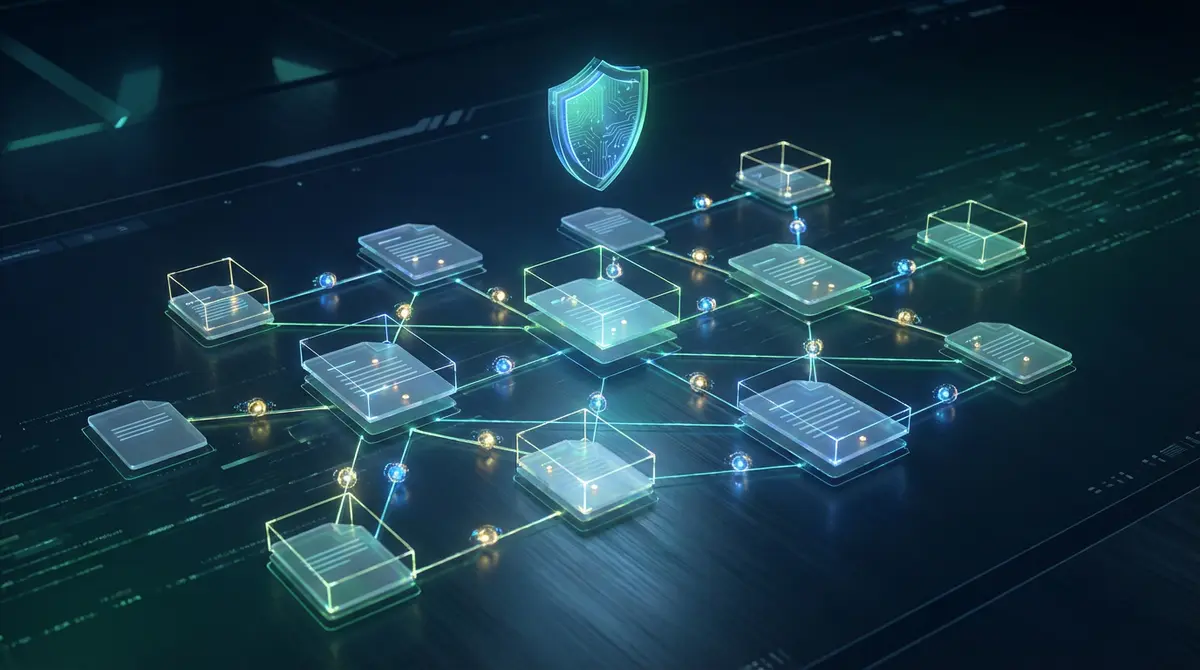
PaperOffice दस्तावेज़ों को एक ज्ञान नेटवर्क में जोड़ता है। एक चालान स्वचालित रूप से संबंधित अनुबंध, खरीद आदेश और डिलीवरी नोट से जुड़ जाता है — बिना मैन्युअल टैगिंग के।
वास्तविक दुनिया का उदाहरण: दस्तावेज़ अव्यवस्था से स्वचालन तक
संख्या स्वयं बोलती हैं। यहाँ PaperOffice AI ग्राहकों के तीन वास्तविक उपयोग मामले हैं:
| कंपनी | उद्योग | परिणाम |
|---|---|---|
| औद्योगिक कंपनी | विनिर्माण | 99% कम त्रुटियाँ, 50× तेज़ प्रसंस्करण |
| दंत प्रयोगशाला | स्वास्थ्य सेवा | 1,000 से अधिक कार्य घंटे बचाए गए |
| संपत्ति प्रबंधन | रियल एस्टेट | 2,500 इकाइयाँ अनुकूलित, 86% कम मैन्युअल कार्य |
इन सभी कंपनियों के पास पहले 'पारंपरिक' DMS समाधान थे। AI-आधारित प्रणाली पर स्विच करने से प्रत्येक मामले में पहले तीन महीनों के भीतर ROI प्राप्त हुआ।
चेकलिस्ट: अपनी कंपनी के लिए सही DMS कैसे खोजें
अपने मूल्यांकन के दौरान इस 10-बिंदु चेकलिस्ट का उपयोग करें:
- ☐ क्या सिस्टम बिना टेम्पलेट या प्रशिक्षण के दस्तावेज़ों को समझता है?
- ☐ क्या यह सभी दस्तावेज़ों में सिमैंटिक खोज प्रदान करता है?
- ☐ क्या निकाले गए डेटा के लिए बाउंडिंग बॉक्स प्रदान किए जाते हैं?
- ☐ क्या यह हस्तलेखन सहित 100+ भाषाओं का समर्थन करता है?
- ☐ क्या एकीकरण के लिए पूर्ण REST API उपलब्ध है?
- ☐ क्या मैं इसे अपने स्वयं के हार्डवेयर (NAS/ऑन-प्रिम) पर चला सकता हूँ?
- ☐ क्या संग्रहण GoBD/GDPR-अनुपालक है?
- ☐ क्या स्वचालित प्रतिधारण अवधि और विलोपन नीतियाँ हैं?
- ☐ क्या मैं दस्तावेज़ वर्कफ़्लो को स्वचालित कर सकता हूँ?
- ☐ क्या मूल्य निर्धारण मॉडल पारदर्शी और स्केलेबल है?
सुझाव: यदि विक्रेता इनमें से तीन से अधिक बिंदुओं पर 'नहीं' या 'केवल अतिरिक्त लागत पर' उत्तर देता है, तो खोज जारी रखें।
निष्कर्ष: दस्तावेज़ प्रबंधन का भविष्य बुद्धिमान है
2026 वह वर्ष है जहाँ दस्तावेज़ प्रबंधन और दस्तावेज़ समझ के बीच की रेखा धुंधली हो जाती है। पारंपरिक DMS सिस्टम जो केवल दस्तावेज़ों को संग्रहीत और अनुक्रमित करते हैं, AI-आधारित सिस्टम से पीछे रह जाते हैं जो सामग्री को समझते हैं, संबंधों को जोड़ते हैं, और स्वायत्त रूप से प्रक्रिया करते हैं।
PaperOffice AI दोनों दुनिया के सर्वश्रेष्ठ को जोड़ता है: एक एंटरप्राइज़ DMS की स्थिरता और सुरक्षा, 800 से अधिक विशेष LLM की बुद्धिमत्ता के साथ। परिणाम एक ऐसी प्रणाली है जो न केवल आपके दस्तावेज़ों का प्रबंधन करती है बल्कि आपकी कंपनी के ज्ञान को सक्रिय करती है।
चाहे आप किसी मौजूदा DMS को बदल रहे हों या पहली बार इसे लागू कर रहे हों — सवाल अब यह नहीं है कि AI है या नहीं, बल्कि कौन सा AI है।


