













LlamaParse और LlamaExtract का वादा
LlamaIndex के LlamaParse और LlamaExtract AI दस्तावेज़ प्रसंस्करण पारिस्थितिकी तंत्र में सबसे प्रसिद्ध उपकरणों में से हैं। उनका वादा: किसी भी प्रकार के दस्तावेज़ — PDF, स्कैन, फॉर्म — को संरचित मार्कडाउन टेक्स्ट में बदलना, जो RAG पाइपलाइनों और LLM अनुप्रयोगों के लिए अनुकूलित हो।
LlamaParse विभिन्न पार्सिंग मोड प्रदान करता है: तेज़ (1 Credit/पेज), संतुलित (10 Credits), प्रीमियम (45 Credits), और एजेंटिक प्लस (90 Credits)। LlamaExtract इसे स्कीमा-आधारित डेटा निष्कर्षण के साथ पूरक करता है — एक JSON स्कीमा परिभाषित करें, और उपकरण आपके दस्तावेज़ों से संरचित डेटा निकालता है।
पहली नज़र में, यह आकर्षक लगता है। लेकिन करीब से निरीक्षण करने पर, मूलभूत कमज़ोरियाँ सामने आती हैं — और एक और भी मौलिक प्रश्न: क्या हमें अब भी इन उपकरणों की आवश्यकता है?
LlamaParse अप्रचलित क्यों हो रहा है: Claude, GPT और अन्य स्वयं यह कर सकते हैं
LlamaIndex के लिए यहाँ अप्रिय सत्य है: आधुनिक विज़न LLM LlamaParse को एक अनावश्यक मिडलवेयर परत बनाते हैं।
Claude 4, GPT-5, Gemini 2.5 Pro — ये सभी मॉडल सीधे दस्तावेज़ों को संसाधित कर सकते हैं। वे इनपुट के रूप में PDF और छवियाँ स्वीकार करते हैं, लेआउट, तालिकाओं और संरचना को समझते हैं, और संरचित आउटपुट प्रदान करते हैं। LlamaParse एक जटिल पाइपलाइन के रूप में कई पार्सिंग मोड के साथ जो प्रदान करता है यह इन मॉडलों के लिए एक मूल क्षमता है.
LlamaIndex स्वयं अपने ब्लॉग में इस प्रवृत्ति की पुष्टि करते हैं: नवीनतम मॉडलों का उपयोग करके स्क्रीनशॉट के माध्यम से एक-शॉट दस्तावेज़ पार्सिंग का आधार रेखा काफी बेहतर हो गई है। वे स्वीकार करते हैं कि शुद्ध LLM पार्सिंग की सटीकता नाटकीय रूप से बढ़ गई है।
व्यवहार में इसका क्या अर्थ है?
- कोई मिडलवेयर आवश्यक नहीं: जब Claude उन्हें सीधे समझता है तो LlamaParse के माध्यम से दस्तावेज़ क्यों भेजें?
- कोई Credits प्रणाली नहीं: एक एकल API Claude या GPT पर कॉल में टोकन खर्च होते हैं — भ्रमित करने वाले स्तरों वाली कोई मालिकाना Credits प्रणाली नहीं
- कोई विक्रेता लॉक-इन नहीं: LlamaParse आपको LlamaIndex पारिस्थितिकी तंत्र से बांधता है। मूल LLM प्रदाता-अज्ञेयवादी हैं
- कोई रखरखाव नहीं: बग जैसे कि v0.6.1 में कच्चा OCR समस्या (GitHub Issue #621), जहां LlamaParse ने संरचित विश्लेषण के बजाय अचानक केवल कच्चा OCR टेक्स्ट दिया, मूल LLM API के साथ मौजूद नहीं हैं
LlamaParse मूलतः LLM के चारों ओर एक रैपर है — और रैपर तब अप्रचलित हो जाते हैं जब अंतर्निहित तकनीक परिपक्व हो जाती है।
बाउंडिंग बॉक्स समस्या: सादा टेक्स्ट पर्याप्त क्यों नहीं है
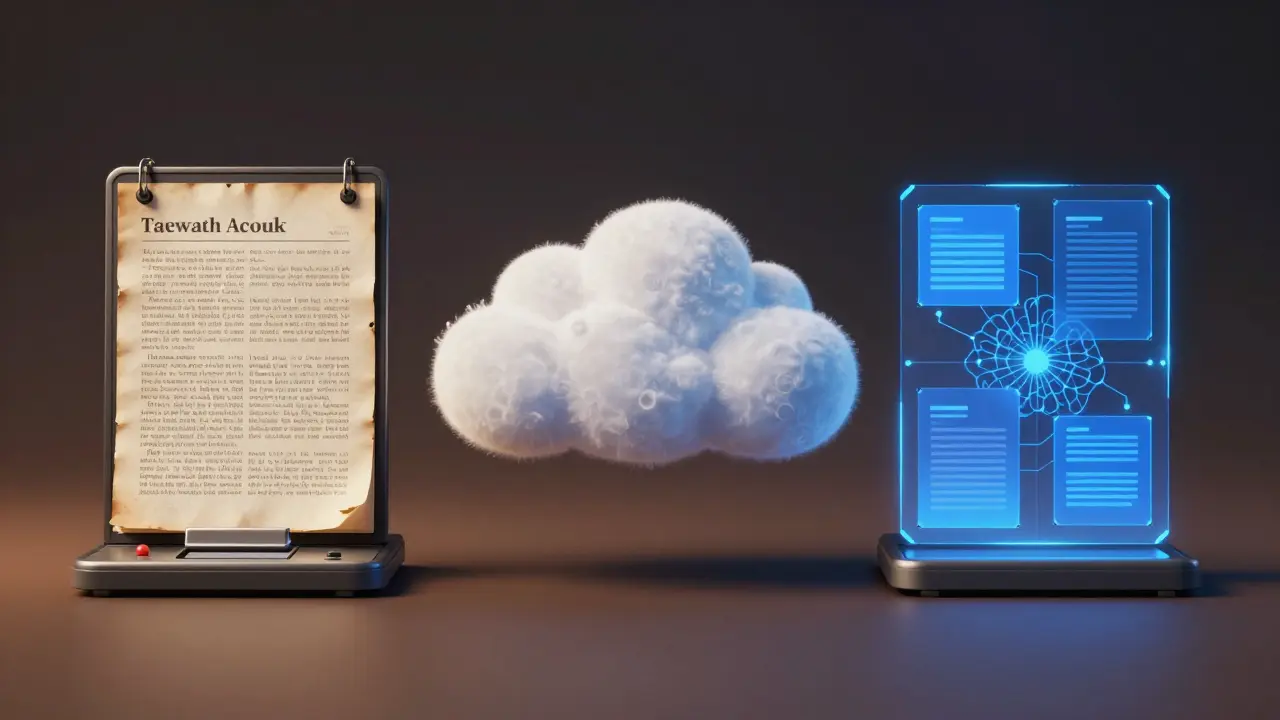
लेकिन — और यह महत्वपूर्ण बिंदु है — न तो LlamaParse और न ही मूल LLM वास्तविक समस्या का समाधान करते हैं: एंटरप्राइज़ दस्तावेज़ प्रसंस्करण को टेक्स्ट से अधिक की आवश्यकता है।
विडंबना यह है कि LlamaIndex स्वयं अपने ब्लॉग में तर्क देते हैं “LLM API पूर्ण दस्तावेज़ पार्सर नहीं हैं” बिल्कुल यह: शुद्ध LLM API में आत्मविश्वास स्कोर, बाउंडिंग बॉक्स और स्रोत उद्धरणों का अभाव है। लेकिन उनका अपना समाधान यहाँ बड़ी समस्याओं का सामना करता है:
| समस्या | GitHub समस्या | स्थिति |
|---|---|---|
| बाउंडिंग बॉक्स की ऊंचाई गलत | #368 | अगस्त 2024 से खुला |
| BBox मान = कोई नहीं → Pydantic क्रैश | #972 | अक्टूबर 2025 में ठीक किया गया |
| तालिकाओं के लिए वास्तविक निर्देशांक के बजाय डिफ़ॉल्ट मान | #442 | खुला |
| आंकड़ा निष्कर्षण किनारे के मामलों पर विफल होता है | #528 | खुला |
| अपडेट के बाद विश्लेषण के बजाय कच्चा OCR | #621 | खुला |
| निष्कर्षण कार्य त्रुटि संदेश के बिना विफल होते हैं | #1107 | खुला (फरवरी 2026) |
मूलभूत समस्या: सटीक बाउंडिंग बॉक्स के बिना, दस्तावेज़ प्रसंस्करण उद्यम अनुप्रयोगों के लिए बेकार है। क्यों?
- खोजने योग्य PDF: निर्देशांक के बिना, कोई अदृश्य टेक्स्ट परत नहीं बनाई जा सकती
- PII रिडक्शन: पिक्सेल-सटीक स्थिति के बिना, कुछ भी सटीक रूप से रिडक्ट नहीं किया जा सकता
- ऑडिट ट्रेल्स: स्रोत संदर्भों के बिना, निष्कर्षण सत्यापन योग्य नहीं है
- मानव-इन-द-लूप: समीक्षकों को यह देखने की आवश्यकता है कि निकाला गया मान कहाँ से आया
तालिकाएँ, स्कैन और उद्यम आवश्यकताएँ
बाउंडिंग बॉक्स समस्याओं के अलावा, LlamaParse और शुद्ध LLM दोनों दृष्टिकोण अतिरिक्त उद्यम आवश्यकताओं पर विफल होते हैं:
तालिका पहचान: APIScout बेंचमार्क 2026 के अनुसार, LlamaParse विशेष समाधानों से लगभग 20% पीछे है जटिल बहु-स्तंभ तालिकाओं, विलय कोशिकाओं और बहु-पृष्ठ तालिकाओं पर। Undatas द्वारा एक स्वतंत्र गहन विश्लेषण पुष्टि करता है: on complex multi-column tables, merged cells, and multi-page tables. An independent deep dive by Undatas confirms: “LlamaParse जटिल तालिकाओं, विशेष रूप से विलय कोशिकाओं या जटिल शीर्षलेखों वाली तालिकाओं के साथ काफी संघर्ष करता है।”
स्कैन और हस्तलेख: कम रिज़ॉल्यूशन वाले स्कैन किए गए दस्तावेज़ों के साथ, सटीकता नाटकीय रूप से गिर जाती है। स्कैन में फ़ॉर्मूला पहचान? “अत्यधिक अविश्वसनीय।” हस्तलेख? केवल “आंशिक” आधिकारिक फीचर मैट्रिक्स के अनुसार।
आधिकारिक LlamaParse सीमाएँ:
- प्रति पृष्ठ अधिकतम 35 छवियाँ (शेष को अनदेखा किया जाता है)
- प्रति पृष्ठ अधिकतम 64KB टेक्स्ट (शेष को काट दिया जाता है)
- अधिकतम 512MB फ़ाइल आकार, निष्कर्षण केवल 100MB
- प्रति निष्कर्षण कार्य अधिकतम 500 पृष्ठ
- स्कीमा नेस्टिंग केवल 7 स्तर गहरी
- extract_stateless में DOCX समर्थन नहीं (GitHub #1077)
PaperOffice AI इसके विपरीत:
- 800+ विशेष LLM — प्रत्येक दस्तावेज़ प्रकार के लिए एक
- पंक्तियों, स्तंभों, विलय कोशिकाओं के साथ तालिका पहचान — संरचित निर्यात
- AI विज़न के माध्यम से हस्तलेख पहचान — हस्ताक्षर, एनोटेशन, फ़ॉर्म
- OMR पहचान — चेकबॉक्स, वृत्त, सटीक निर्देशांक के साथ चिह्न
- QR और बारकोड पहचान शामिल
- स्वचालित पहचान के साथ 139 भाषाएँ
लागत तुलना: Credits, सेंट और छिपी लागतें
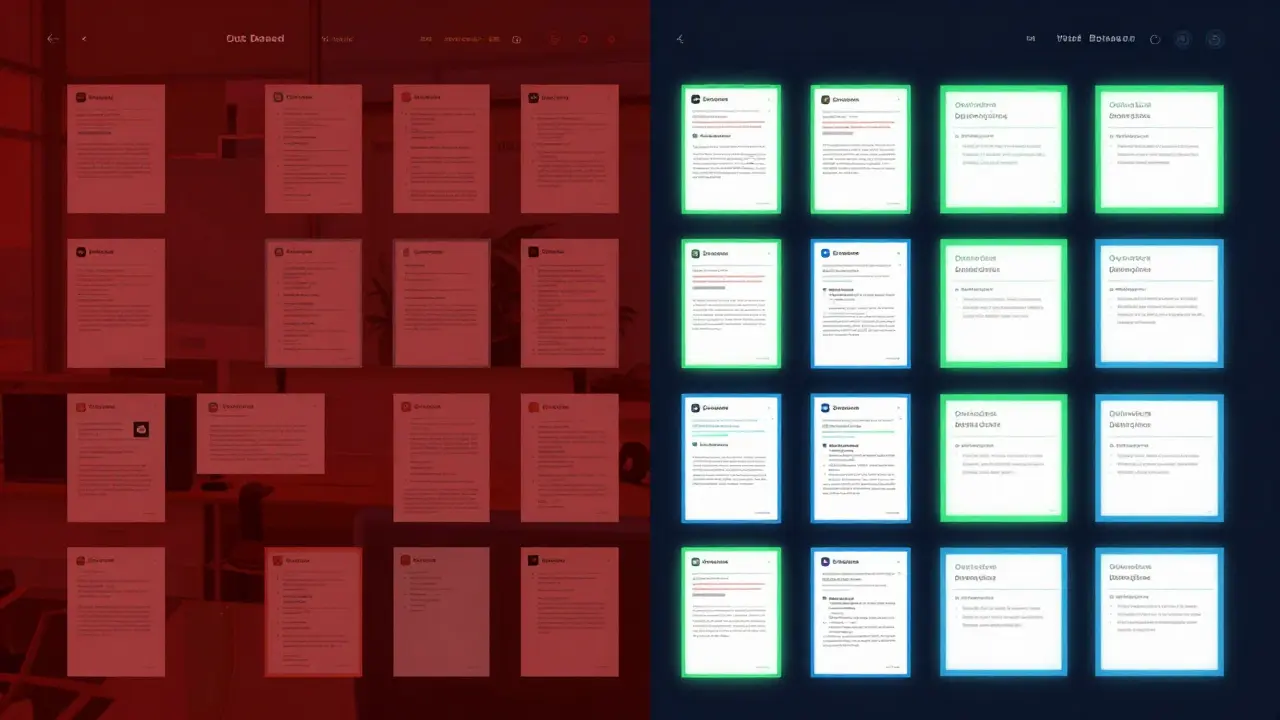
LlamaParse एक Credits-आधारित मूल्य निर्धारण मॉडल का उपयोग करता है। 1,000 Credits की कीमत $1.25 है। जो शुरू में किफ़ायती लगता है वह जल्दी बढ़ जाता है:
| फ़ंक्शन | LlamaParse Credits | LlamaParse लागत/पृष्ठ | PaperOffice AI |
|---|---|---|---|
| बुनियादी पार्सिंग | 1 Credit (तेज़) | $0.00125 | $0.01 (AI-OCR) |
| गुणवत्ता पार्सिंग | 10–45 Credits | $0.013–0.056 | $0.01 (AI-OCR) |
| प्रीमियम एजेंटिक | 45–90 Credits | $0.056–0.113 | $0.03 (AI-AI-IDP) |
| निष्कर्षण | 5–60 Credits | $0.006–0.075 | $0.03 (AI-IDP, शामिल) |
तुलनीय गुणवत्ता (प्रीमियम/एजेंटिक मोड) पर, PaperOffice AI 2–4× सस्ता है. इसके अतिरिक्त:
- PaperOffice: बाउंडिंग बॉक्स, खोजने योग्य PDF, रिडक्शन शामिल
- LlamaParse:लेआउट निष्कर्षण की लागत प्रति पृष्ठ +3 Credits अतिरिक्त
- PaperOffice: कोई Credits प्रणाली नहीं — पारदर्शी सेंट-प्रति-पृष्ठ मूल्य निर्धारण
- LlamaParse:निःशुल्क स्तर प्रति माह 10,000 Credits तक सीमित, फिर सीमा के साथ भुगतान-जैसे-आप-उपयोग करें
प्रीमियम मोड में प्रति माह 100,000 पृष्ठों पर: LlamaParse = $5,625 बनाम PaperOffice AI-IDP = $3,000। बचत: 47%।
PaperOffice AI: एंटरप्राइज़ दस्तावेज़ प्रसंस्करण को वास्तव में क्या चाहिए
PaperOffice AI, LlamaParse से मौलिक रूप से भिन्न दृष्टिकोण अपनाता है। सामान्य LLM के आसपास रैपर के रूप में कार्य करने के बजाय, PaperOffice तीन विशिष्ट प्रौद्योगिकियों को जोड़ता है:
1. OCR-LLM फ्यूज़न: 800+ विशिष्ट, फाइन-ट्यून किए गए LLM — प्रत्येक को चालान, अनुबंध, आईडी, डिलीवरी नोट जैसे विशिष्ट दस्तावेज़ प्रकारों पर प्रशिक्षित किया गया है। कोई सामान्य "एक मॉडल सभी के लिए उपयुक्त" नहीं।
2. बाउंडिंग बॉक्स आधार के रूप में: प्रत्येक पहचाना गया तत्व — टेक्स्ट, तालिका, छवि, हस्तलेख — को सटीक पिक्सेल निर्देशांक प्राप्त होते हैं। यह सक्षम करता है:
- खोजने योग्य PDF:मूल स्कैन + अदृश्य LLM टेक्स्ट लेयर = खोजने योग्य, कॉपी करने योग्य, संग्रहणीय
- PII रिडक्शन: सटीक GDPR-अनुपालक रिडक्शन — टेक्स्ट सर्च-एंड-रिप्लेस नहीं, बल्कि पिक्सेल-सटीक रिडक्शन
- ह्यूमन-इन-द-लूप: निकाले गए मान पर क्लिक करें → तुरंत देखें कि यह मूल में कहाँ दिखाई देता है
- ऑडिट ट्रेल्स: प्रत्येक निकाला गया डेटा बिंदु ट्रेसेबल और सत्यापन योग्य है
3. टेम्पलेट्स के बिना जीरो-शॉट: कोई टेम्पलेट नहीं, कोई प्रशिक्षण नहीं, कोई नियम नहीं। प्राकृतिक मानव प्रॉम्प्टिंग — आप जो निकालना चाहते हैं उसे प्राकृतिक भाषा में वर्णित करें।
इसके अलावा: EU डेटा सेंटर, GDPR-अनुपालक, ऑन-प्रिमाइसेस उपलब्ध। जबकि LlamaParse सब कुछ क्लाउड में धकेलता है (48 घंटे के कैश के साथ!), PaperOffice पूर्ण डेटा संप्रभुता प्रदान करता है।
| फीचर | LlamaParse | नेटिव LLM | PaperOffice AI |
|---|---|---|---|
| मार्कडाउन आउटपुट | ✅ | ✅ | ✅ |
| बाउंडिंग बॉक्स | ⚠️ बगी | ❌ | ✅ पिक्सेल-सटीक |
| खोजने योग्य PDF | ❌ | ❌ | ✅ |
| PII रिडक्शन | ❌ | ❌ | ✅ |
| टेबल (जटिल) | ⚠️ ~80% | ⚠️ परिवर्तनशील | ✅ विशेषज्ञ |
| हस्तलेखन | ⚠️ आंशिक | ⚠️ परिवर्तनशील | ✅ AI विज़न |
| ऑन-प्रिमाइसेस | ❌ | ❌ | ✅ |
| GDPR/EU सर्वर | ❌ | ⚠️ | ✅ |
| मूल्य (एंटरप्राइज़) | $0.056–0.113 | परिवर्तनशील | $0.01–0.03 |


